Growth · 3 min read
Why Every YouTube Creator Should Test Multiple Thumbnails Before Publishing
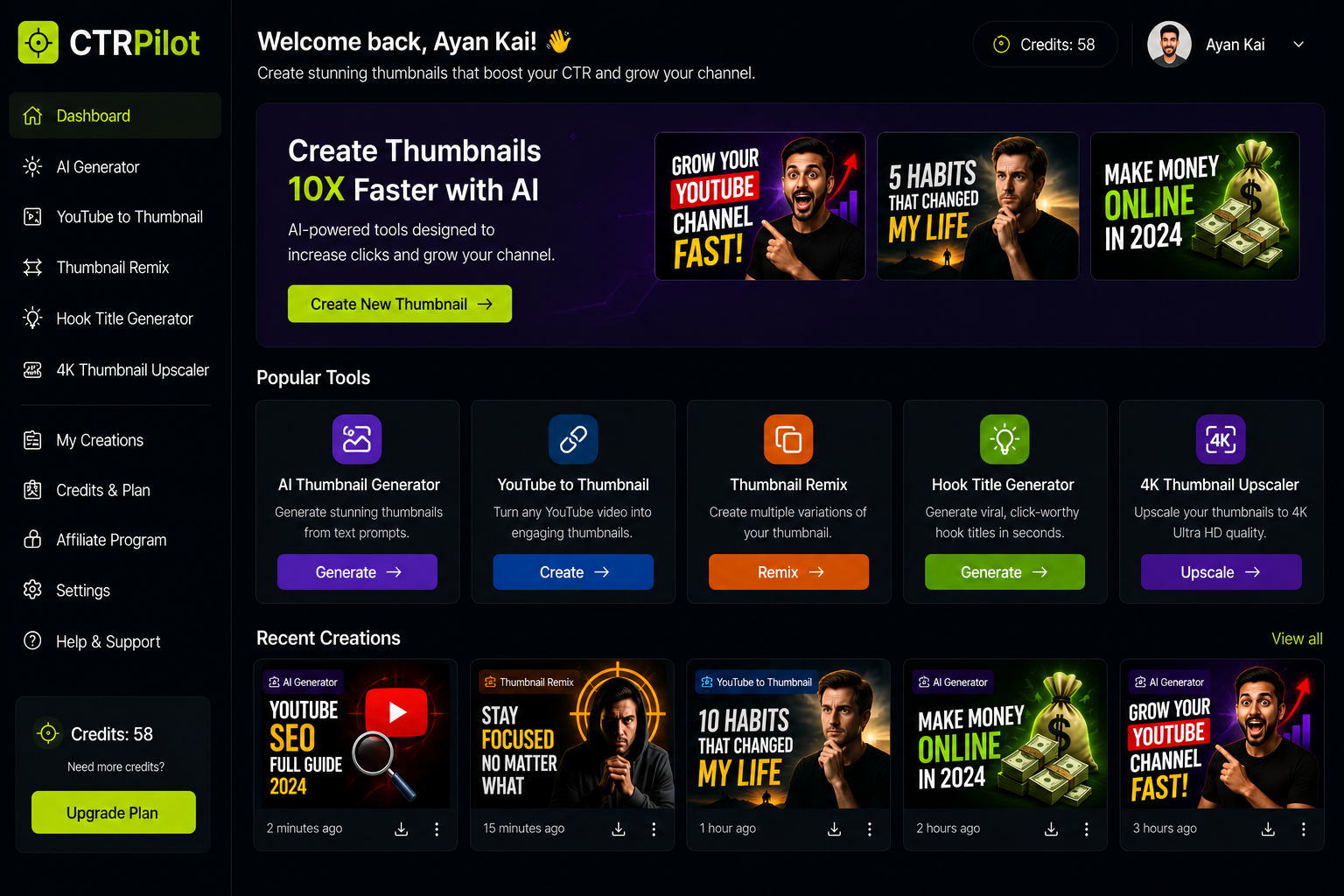
Creating a great YouTube video takes hours.
CTRPilot’s AI-powered platform for creating professional YouTube thumbnails.
Planning the script, recording footage, editing clips, adding music, and exporting everything can easily consume an entire day.
Yet one of the most important decisions often gets only a few minutes of attention:
Choosing the thumbnail.
Your thumbnail is the first thing viewers notice. It determines whether someone clicks your video or keeps scrolling.
That’s why testing multiple thumbnail ideas is becoming an essential part of every creator’s workflow.
One Thumbnail Isn’t Always the Best Thumbnail
Most creators design one thumbnail and publish it immediately.
The problem?
You never know if another design would have performed better.
Sometimes a small change — such as a different facial expression, stronger color contrast, or shorter text — can make a significant difference in click-through rate (CTR).
Generating multiple concepts before publishing gives creators more confidence in their final choice.
Why AI Makes Experimentation Easy
Creating five thumbnail designs manually could take hours.
With AI, it only takes a few minutes.
Instead of opening Photoshop and rebuilding each design from scratch, creators can generate several variations from a single idea.
This encourages experimentation without adding extra work.
Discovering CTRPilot
Recently, I explored CTRPilot, an AI-powered platform built specifically for YouTube thumbnail creation.
Rather than being a general-purpose image generator, CTRPilot focuses on helping creators design thumbnails that attract attention and improve click-through rates.
You can explore it here:
Features That Help Speed Up the Workflow
AI Thumbnail Generator
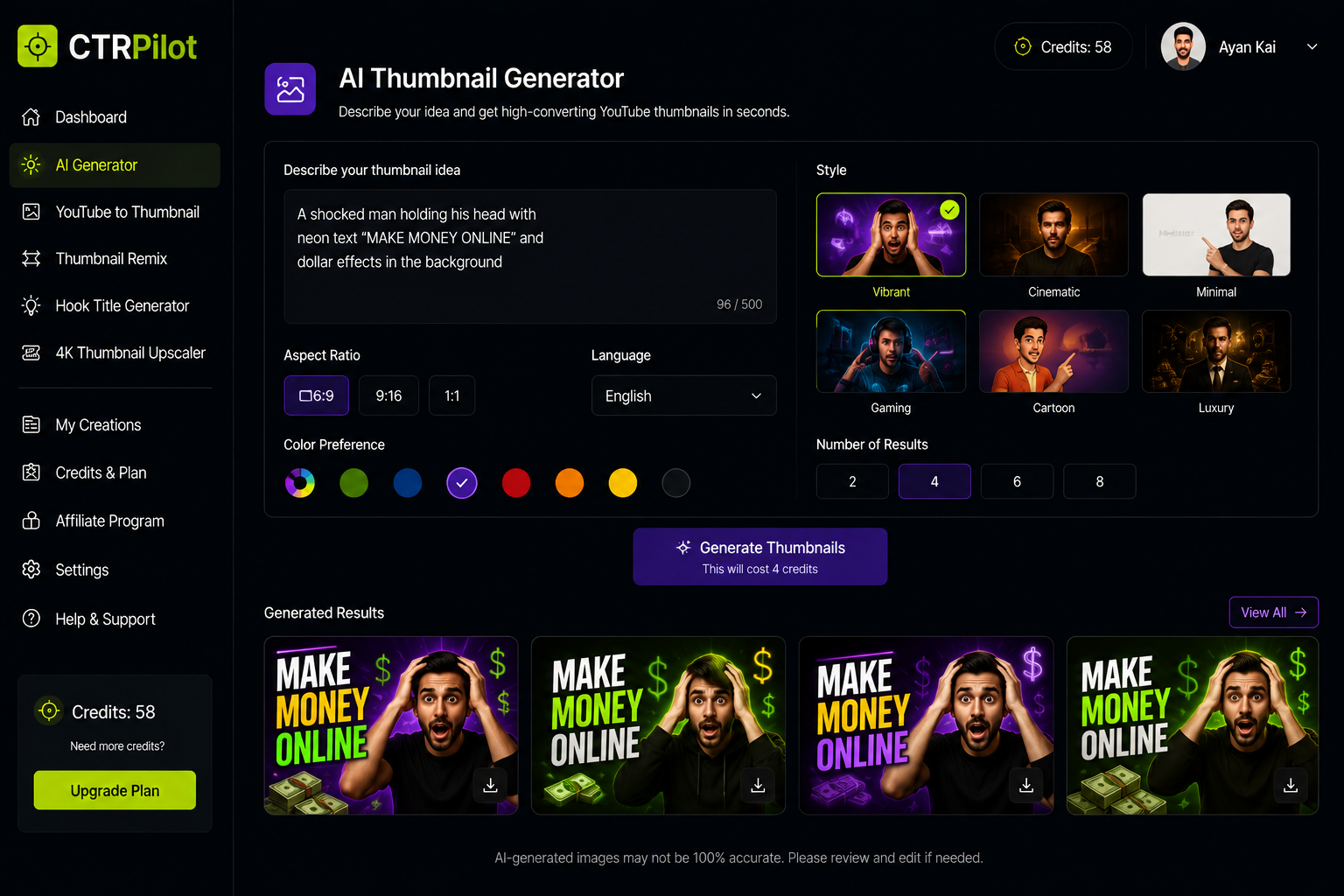
Generate multiple high-converting YouTube thumbnail concepts from a single text prompt using AI.
Describe your video idea and instantly receive multiple thumbnail concepts.
Instead of starting with a blank canvas, you begin with creative options.
YouTube URL to Thumbnail
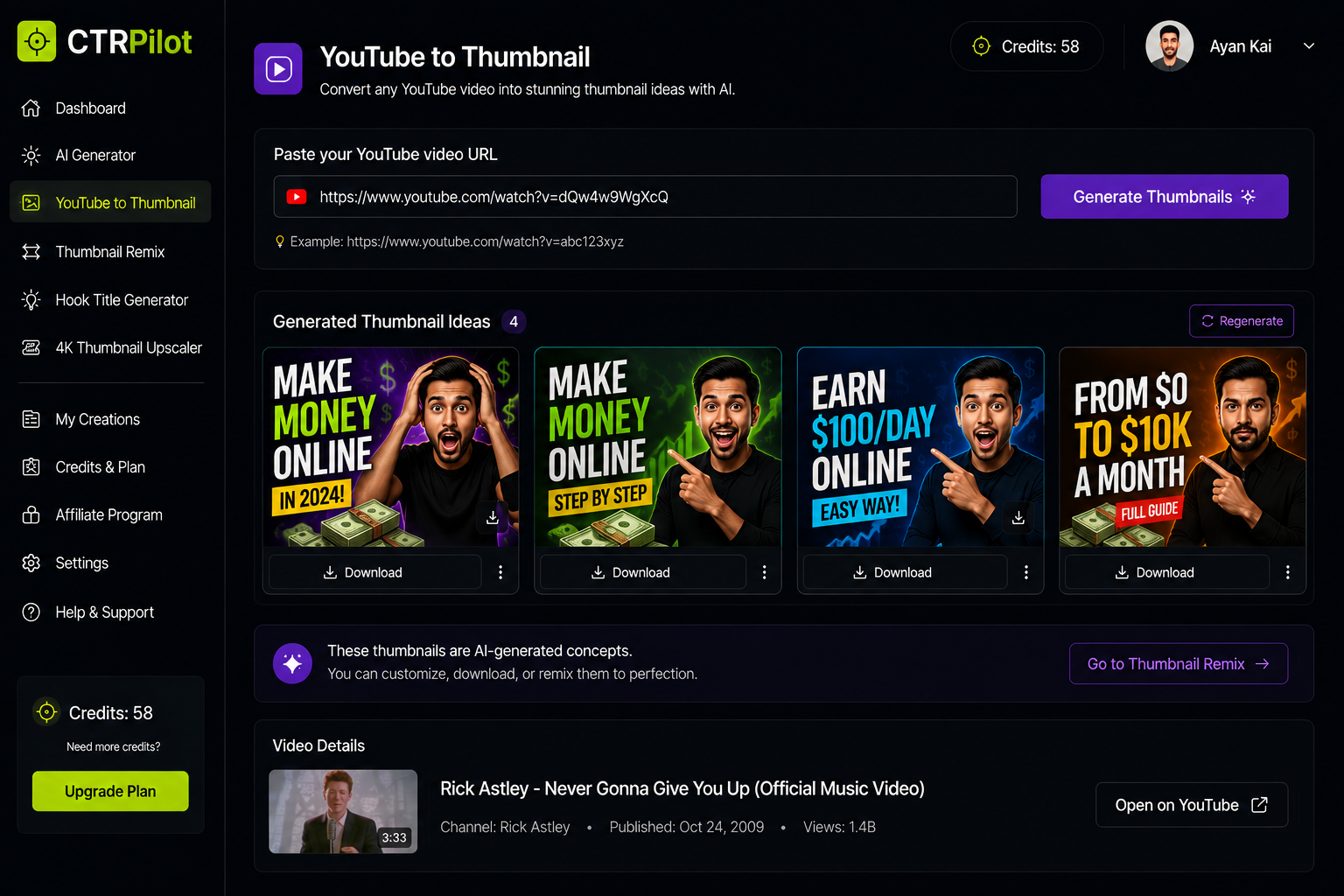
Generate multiple thumbnail ideas from a single YouTube video URL.
Already published a video?
Paste its URL, and the AI generates fresh thumbnail ideas inspired by the existing content.
This is particularly useful for refreshing older videos.
Thumbnail Remix
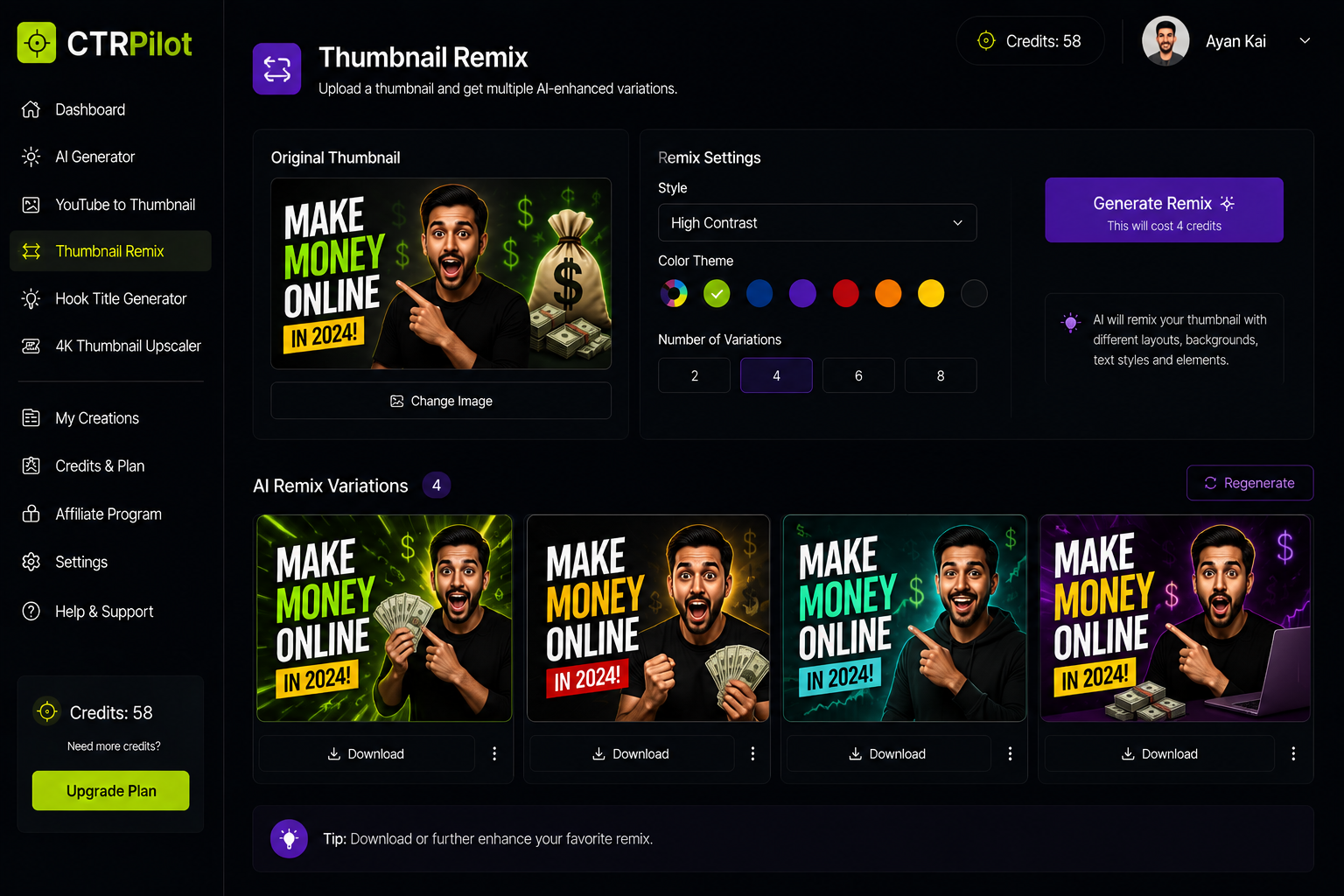
Create multiple thumbnail variations to test different visual styles.
Sometimes a design is close — but not perfect.
Thumbnail Remix creates several alternative versions while preserving the original concept.
Hook Title Generator
A compelling thumbnail works even better when paired with a strong title.
AI can also help generate click-worthy headline ideas.
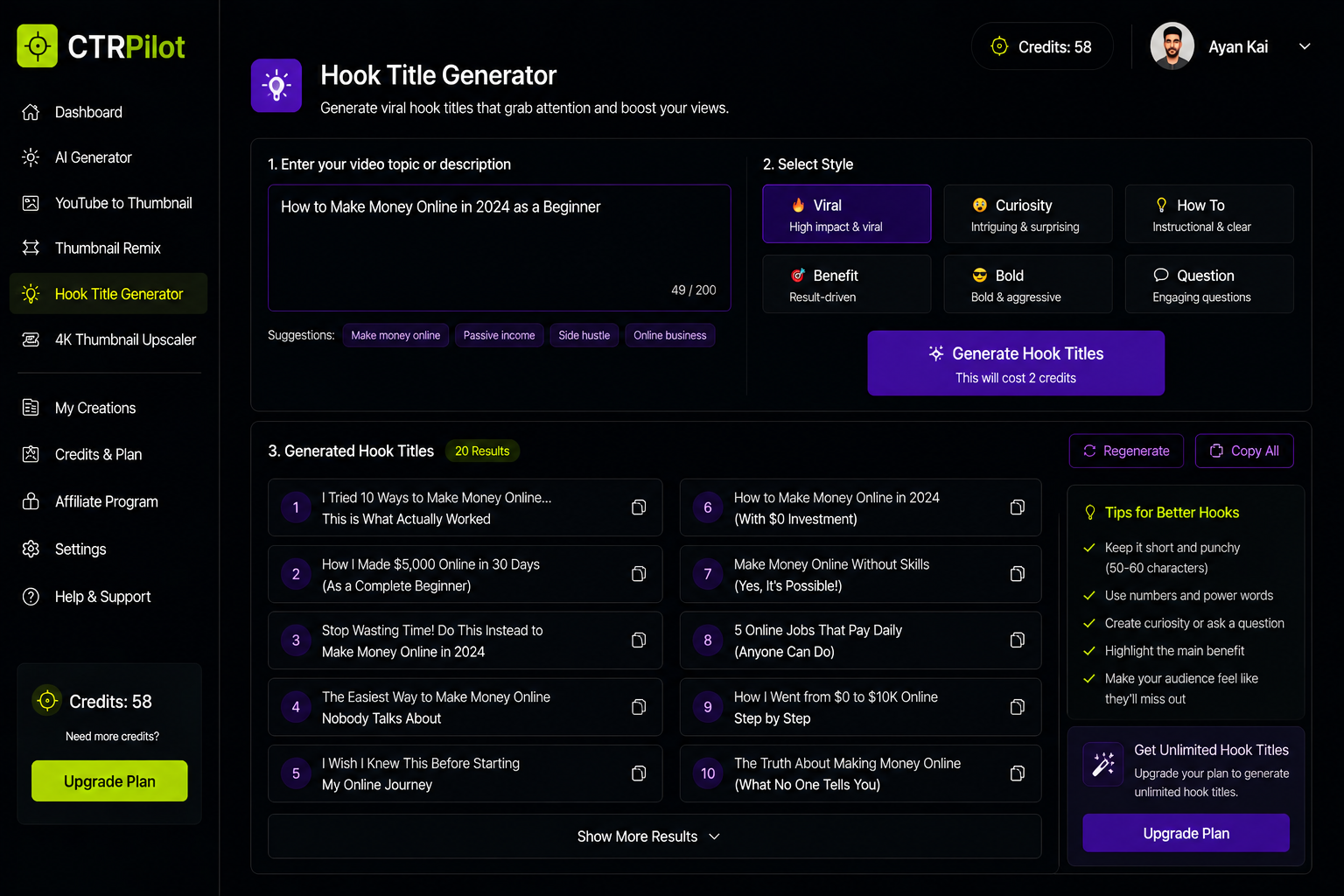
Generate engaging, click-worthy YouTube titles with AI to complement your thumbnails.
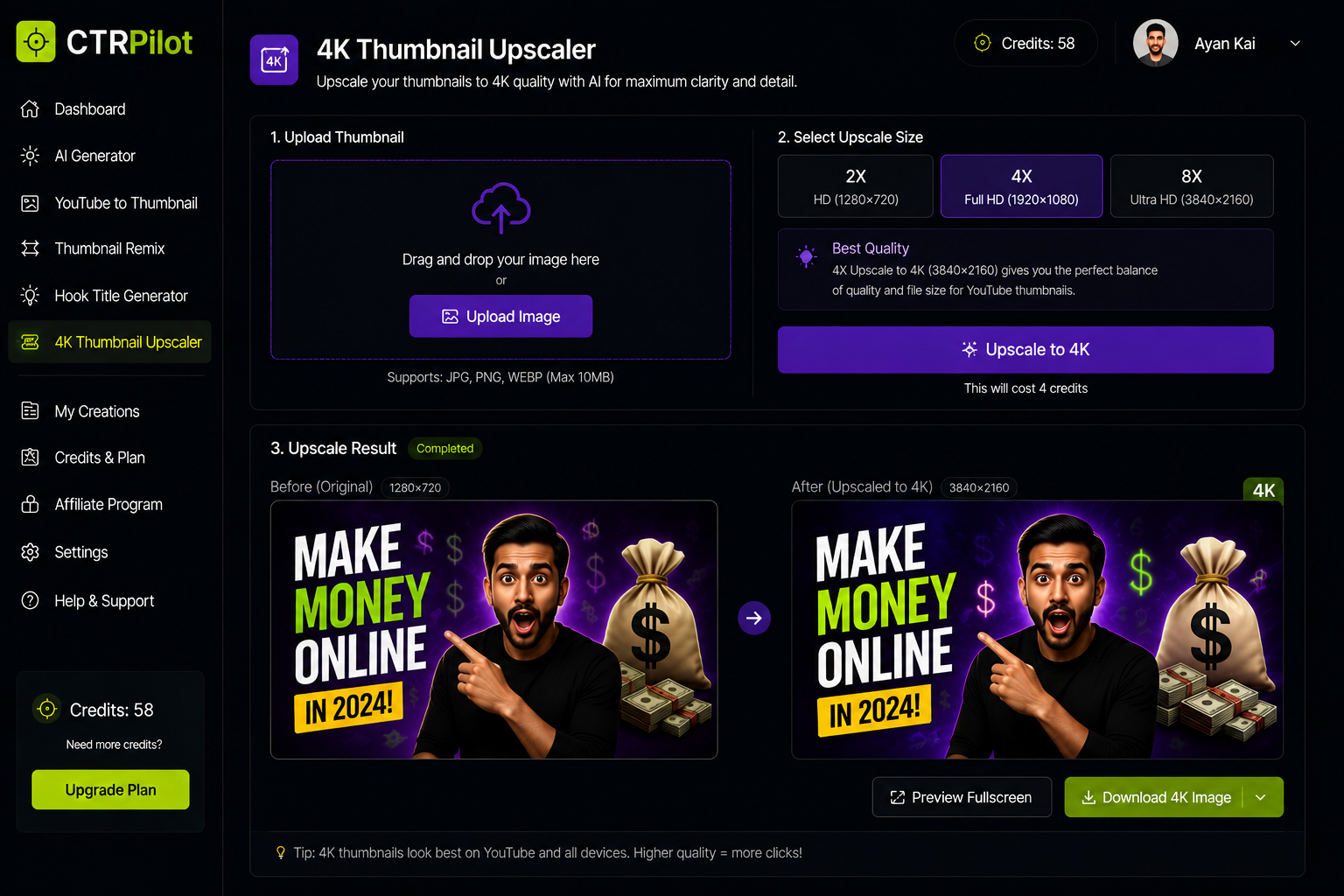
4K Thumbnail Upscaler
Create multiple thumbnail variations to test different visual styles.
Need a sharper image?
The built-in upscaler improves resolution while maintaining image quality.
My Ideal Workflow
Here’s the process I would recommend:
Finish editing the video.
Write a short prompt describing the content.
Generate multiple thumbnail ideas.
Compare the strongest variations.
Pick your favorite.
Make small adjustments if necessary.
Publish with confidence.
This entire process can take less than ten minutes.
Why This Matters
YouTube is becoming more competitive every year.
Creators who consistently improve their thumbnails have a better chance of increasing their click-through rates and attracting new viewers.
Your content still needs to be valuable.
But better presentation gives that content a greater opportunity to be discovered.
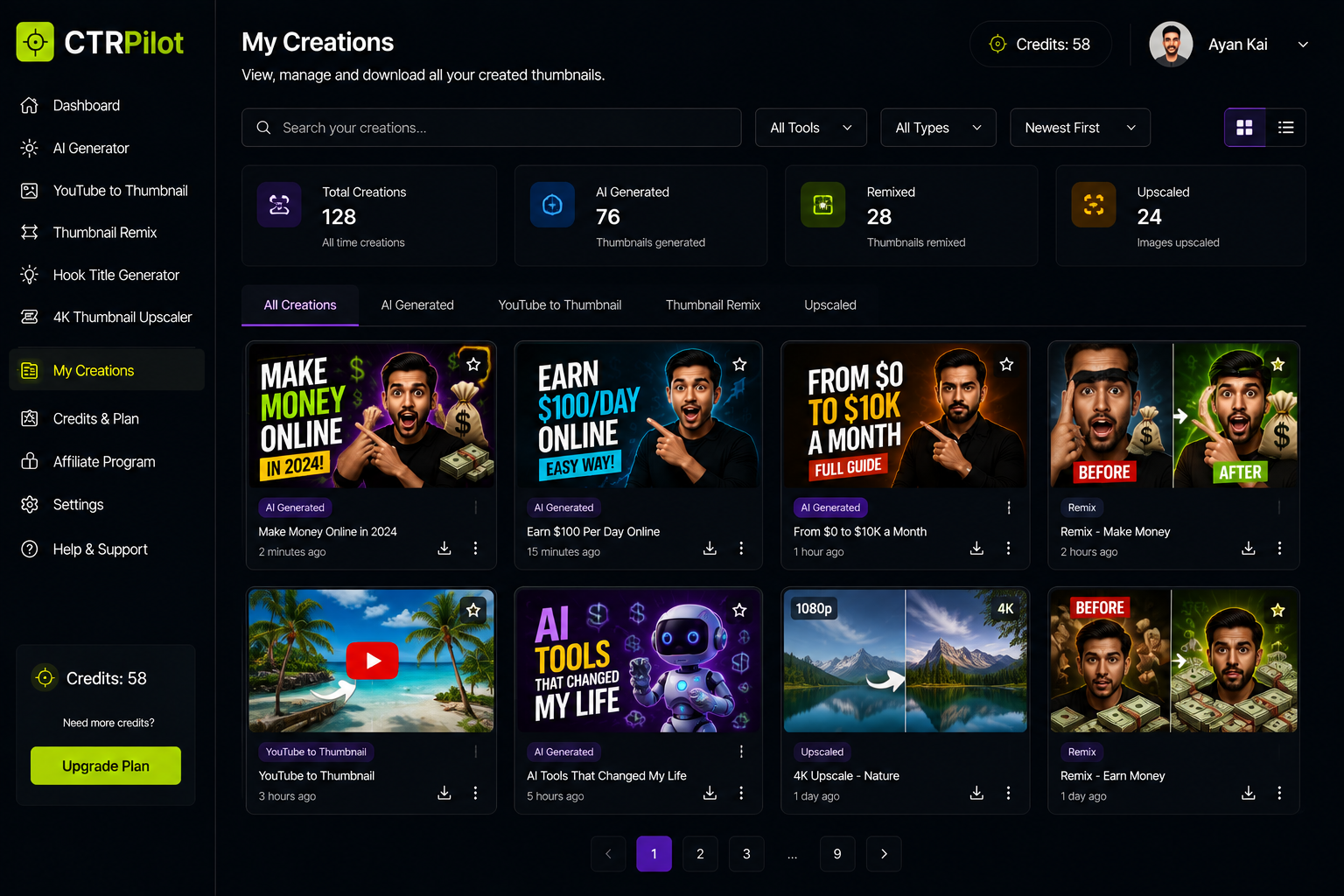
Manage all your AI-generated thumbnails, remixes, and creative projects from one organized workspace.
Final Thoughts
Creating better thumbnails doesn’t require advanced design skills anymore.
AI-powered tools like CTRPilot make it easier to explore different ideas, improve visual quality, and publish with greater confidence.
For creators who upload videos regularly, saving time while improving quality is a win-win.
If you’re looking for a faster way to design YouTube thumbnails, CTRPilot is worth exploring.
Get AI thumbnails that beat your niche CTR benchmarks
Sign up with your email — 5 free credits, no card required. Generate 4 high-CTR thumbnail variants in seconds.
No spam. Unsubscribe any time.
Related articles
Put this into practice with AI-generated thumbnails.
CTRpilot generates 4 high-CTR thumbnail variants in 8 seconds. Start with 5 free credits.