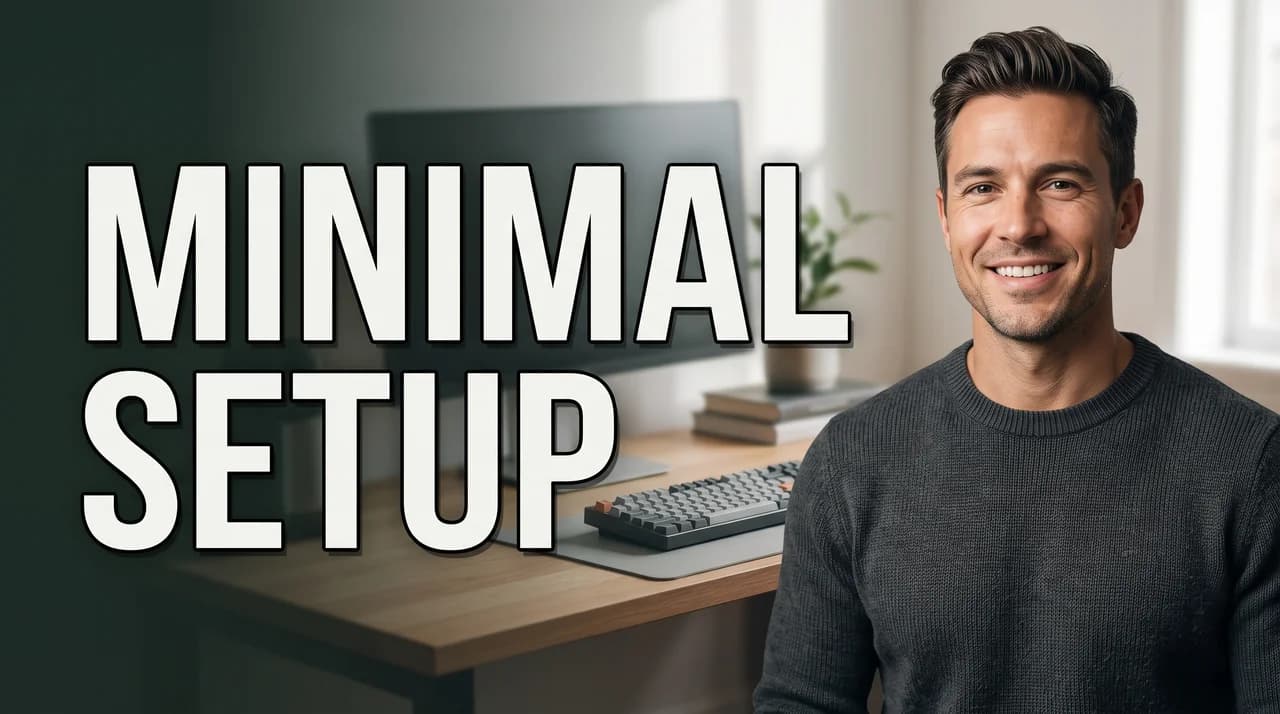
One-click edits
Swap the background, punch up the colors, change the expression, remove an object or rewrite the text. Or restyle the whole thumbnail in one of six looks.





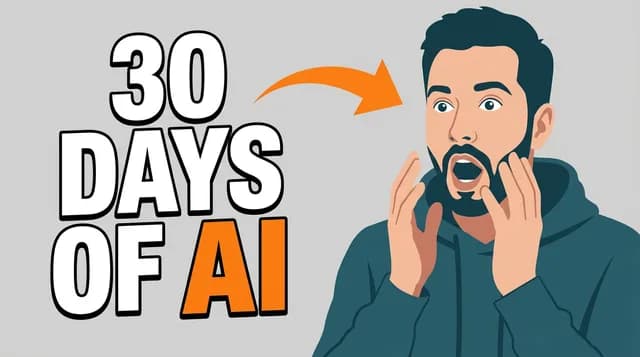
CTRpilot is an AI YouTube thumbnail maker. Describe your video, paste a YouTube link or upload a photo, and get up to 4 ready-to-post thumbnails in about a minute — with Face Lock keeping your real face in every shot. First thumbnail free; packs from $9, credits never expire.


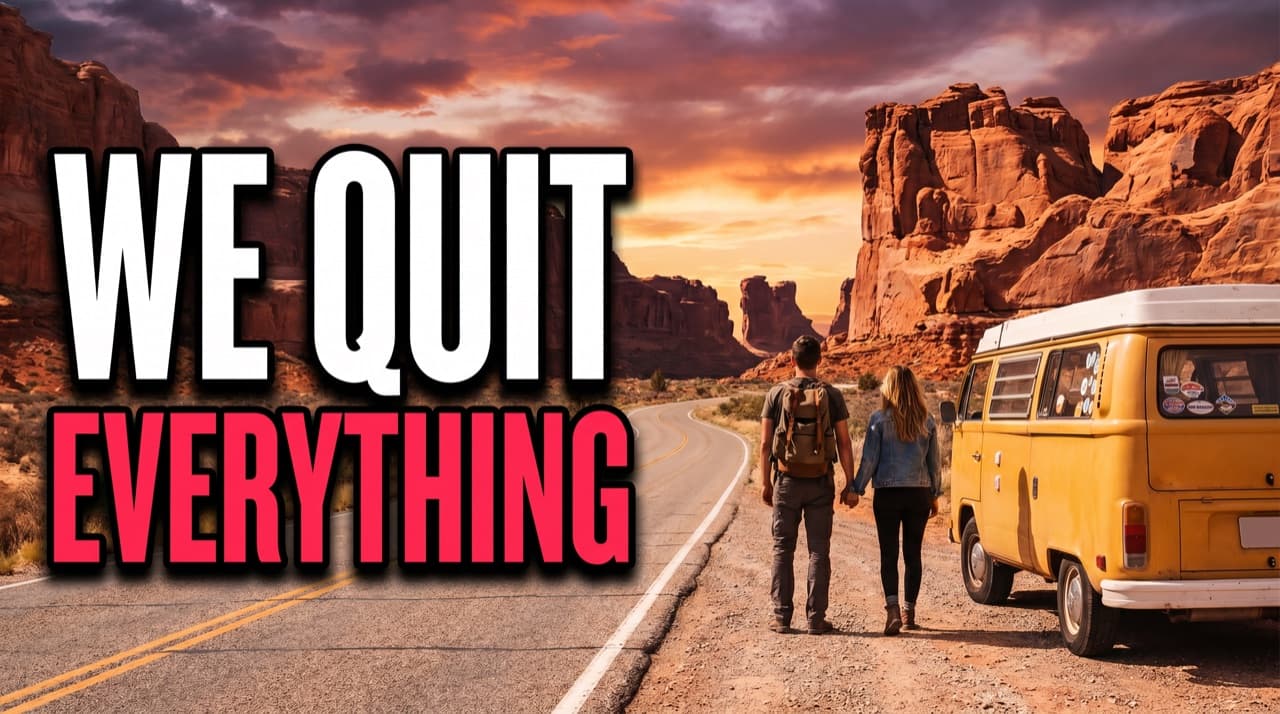

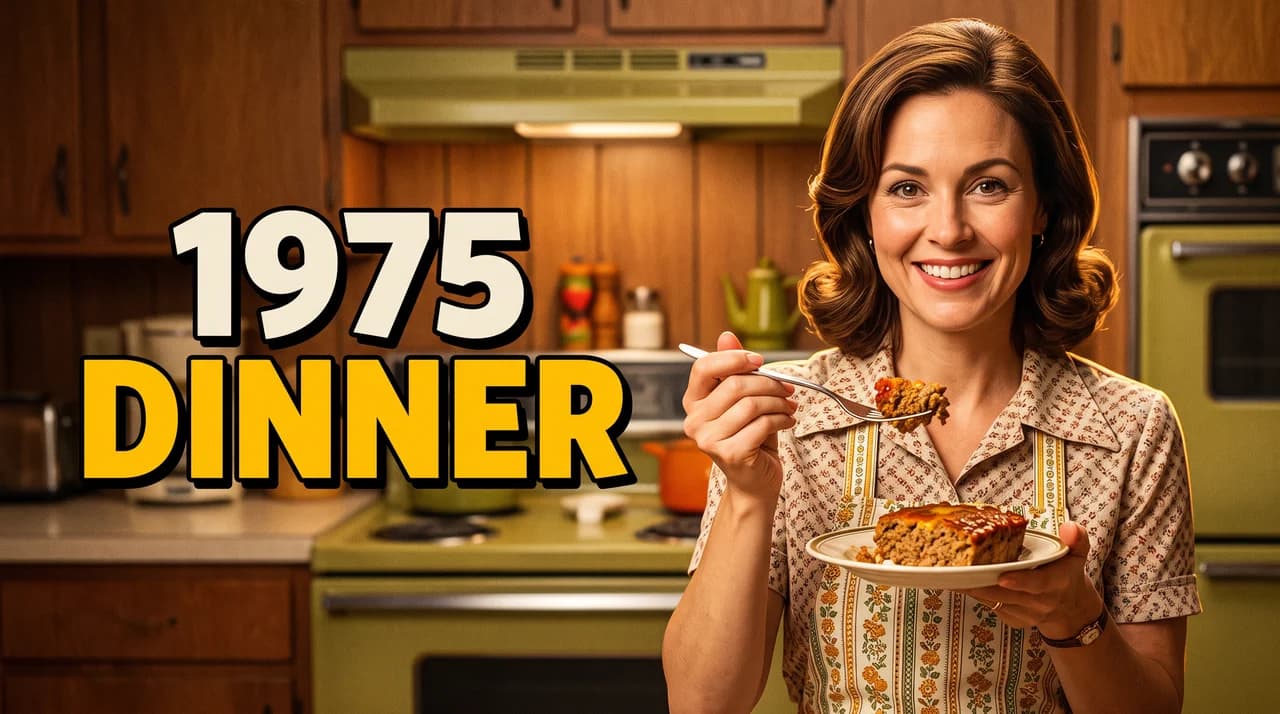
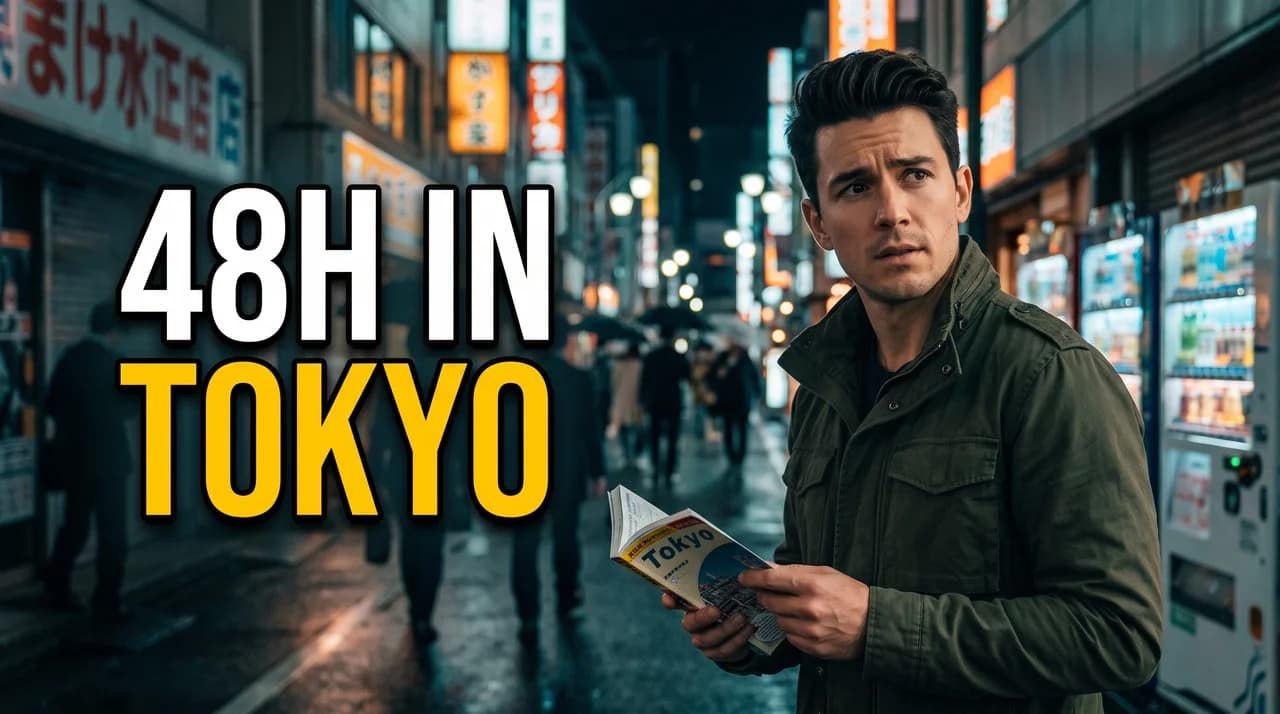
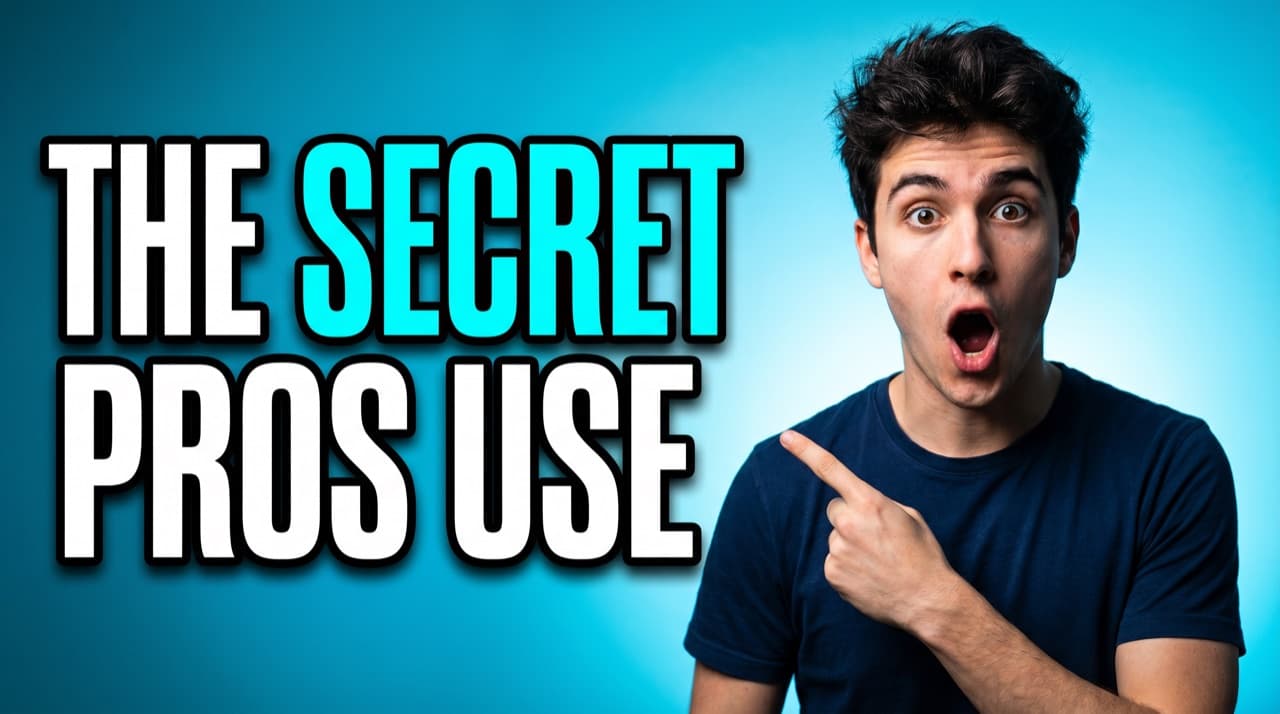
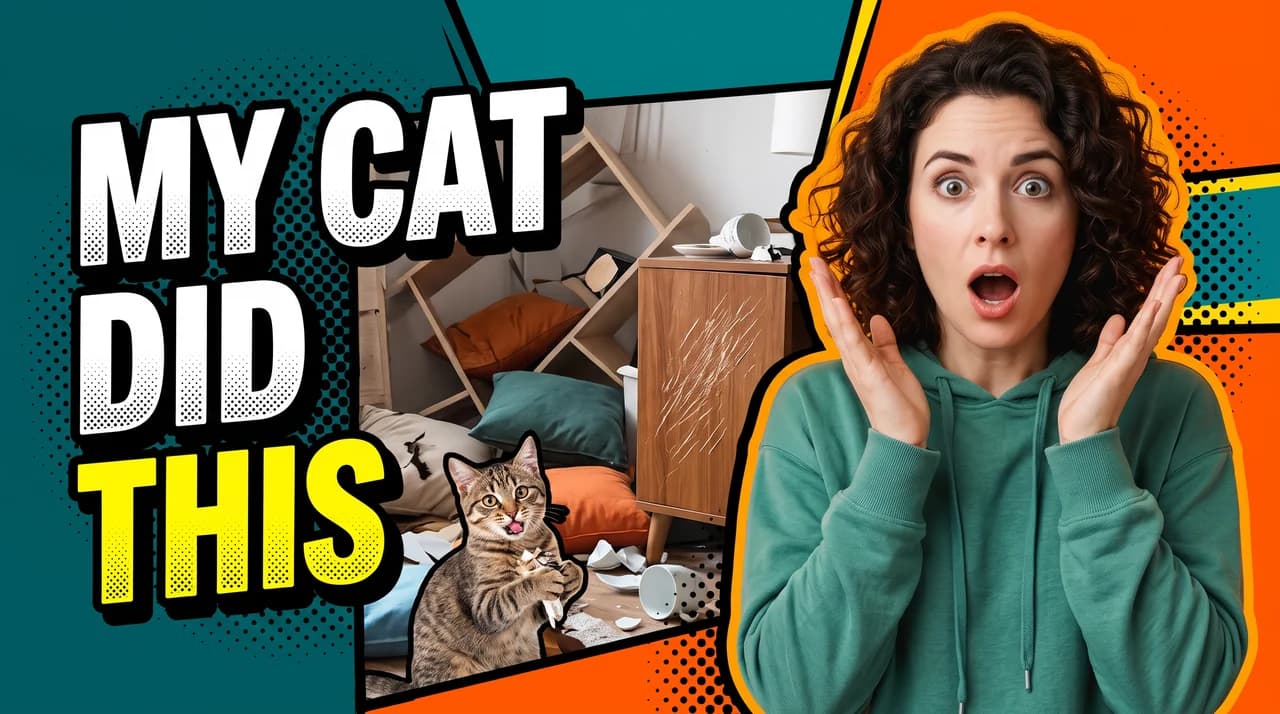
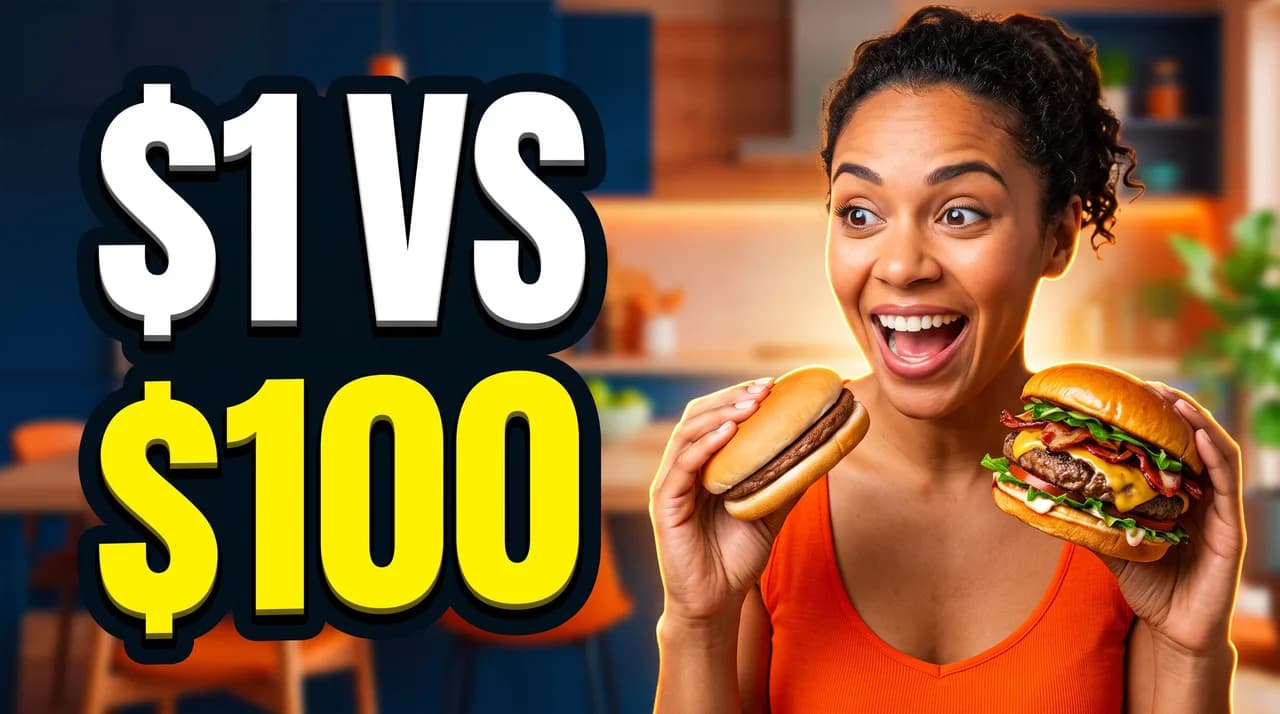
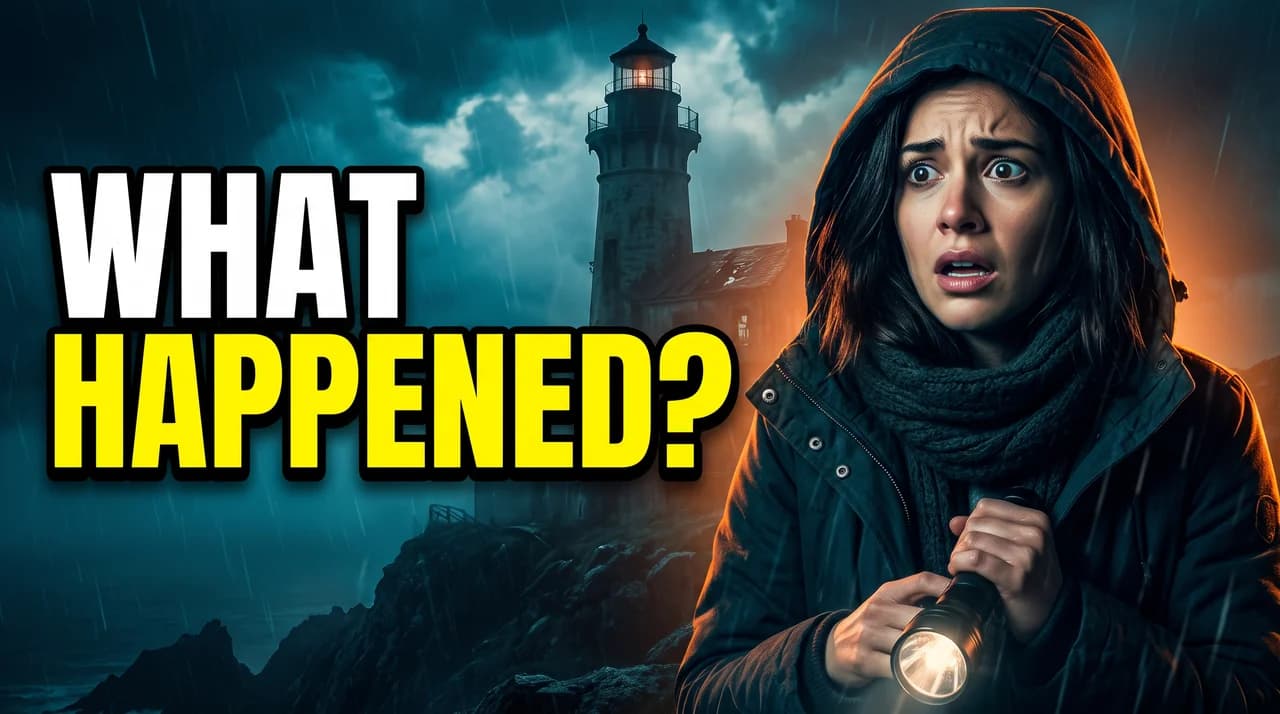
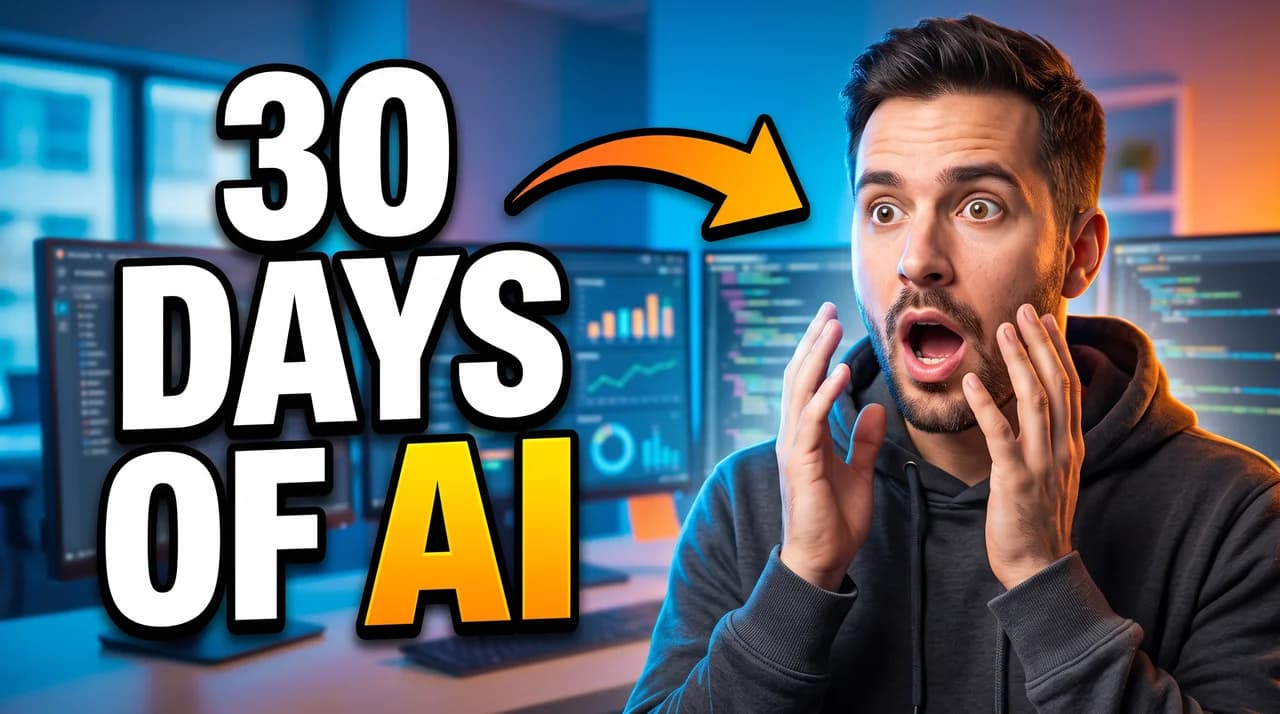
Turn on Face Lock. Add your face once from 1–3 photos — a selfie takes about ten seconds — and every thumbnail you make can star you: same face, the expression you pick, placed where you want it. No green screen, no cut-out tools, no photoshoot.
 Me
Me Co-host
Three steps, about a minute. Start from whatever you already have — an idea, a published video, or a photo of yourself.
Describe your video in one line, paste a YouTube link, or upload a photo of yourself.
Choose a visual style, turn on Face Lock to keep your face in the shot, set the hook text and layout, and ask for 1 to 4 options.
Edit the background, expression, text or style in one click, upscale to 4K if you need it, and download a 1280×720 thumbnail ready for YouTube.
Every style is tuned for the YouTube feed — big readable type, one clear subject, strong contrast. Choose Auto and CTRpilot picks the style that suits your video.
Six AI tools, one credit balance. A thumbnail costs 5 credits, a 4K upscale 3, and a set of hook titles just 1 — so you only pay for what you make.
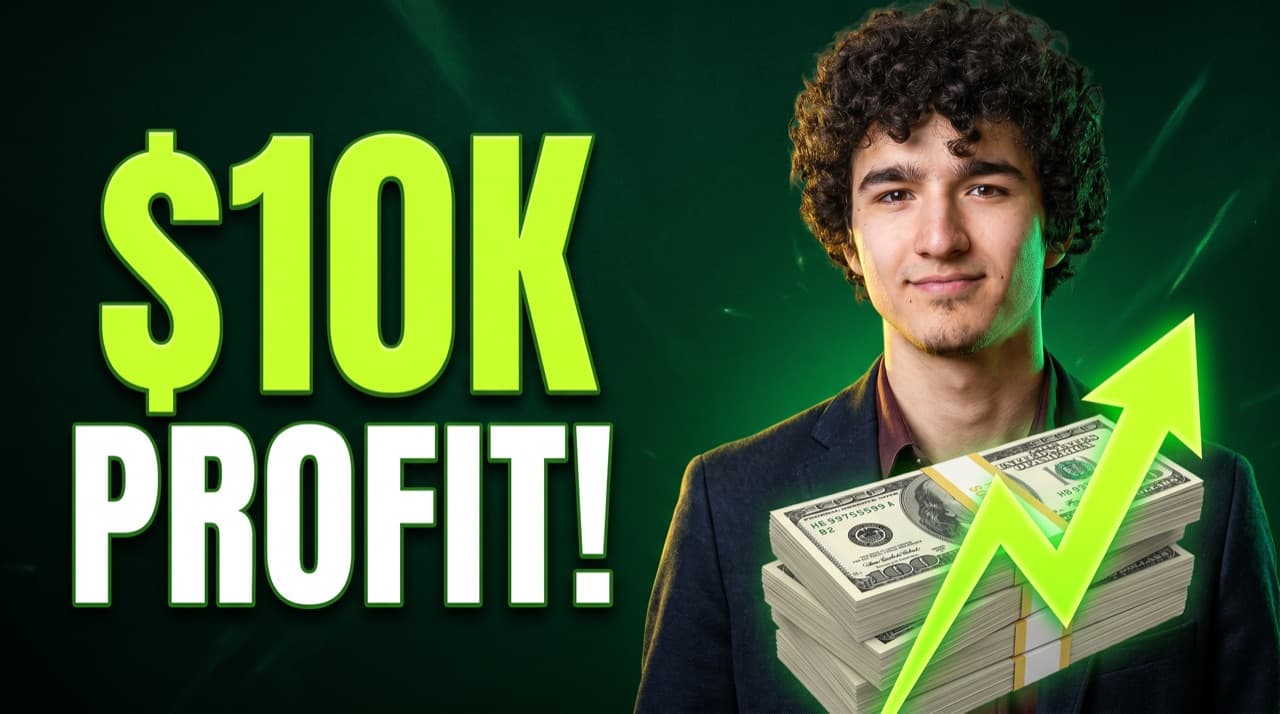
Turn one sentence into ready-to-post thumbnails. Layout, hook text, colors and subject are designed for you.
Paste a video link. CTRpilot reads the title and details, then designs a better thumbnail for it.
Upload your photo. We cut you out and add the background, hook text and effects around you.
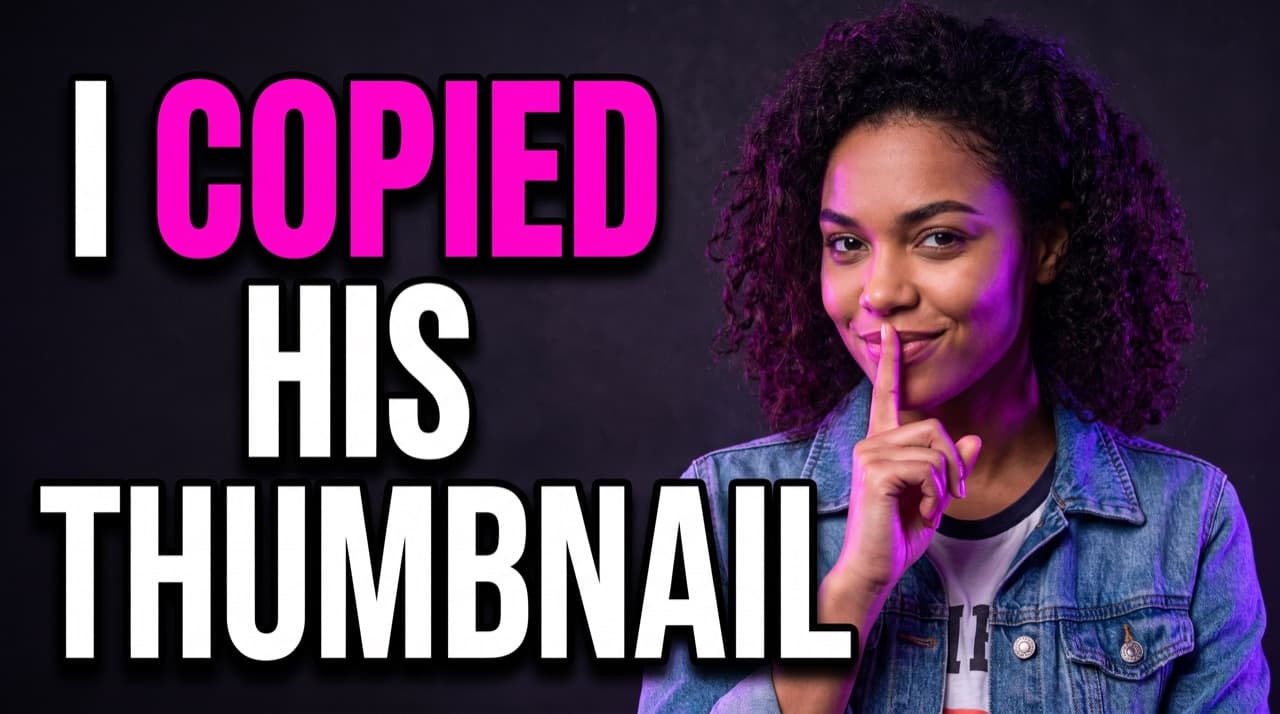
Paste any thumbnail you like and tell us what to change — new topic, your face, brighter colors.
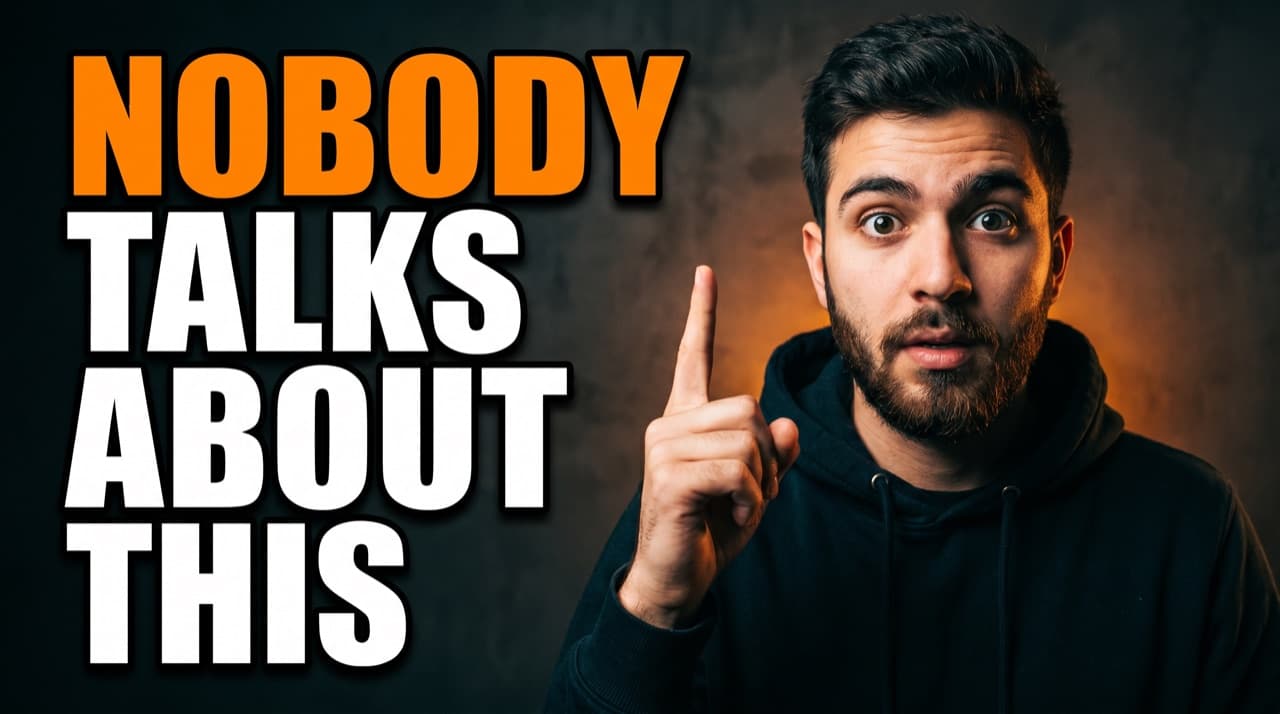
Get short, clickable lines for your thumbnail and title, in any language and tone.
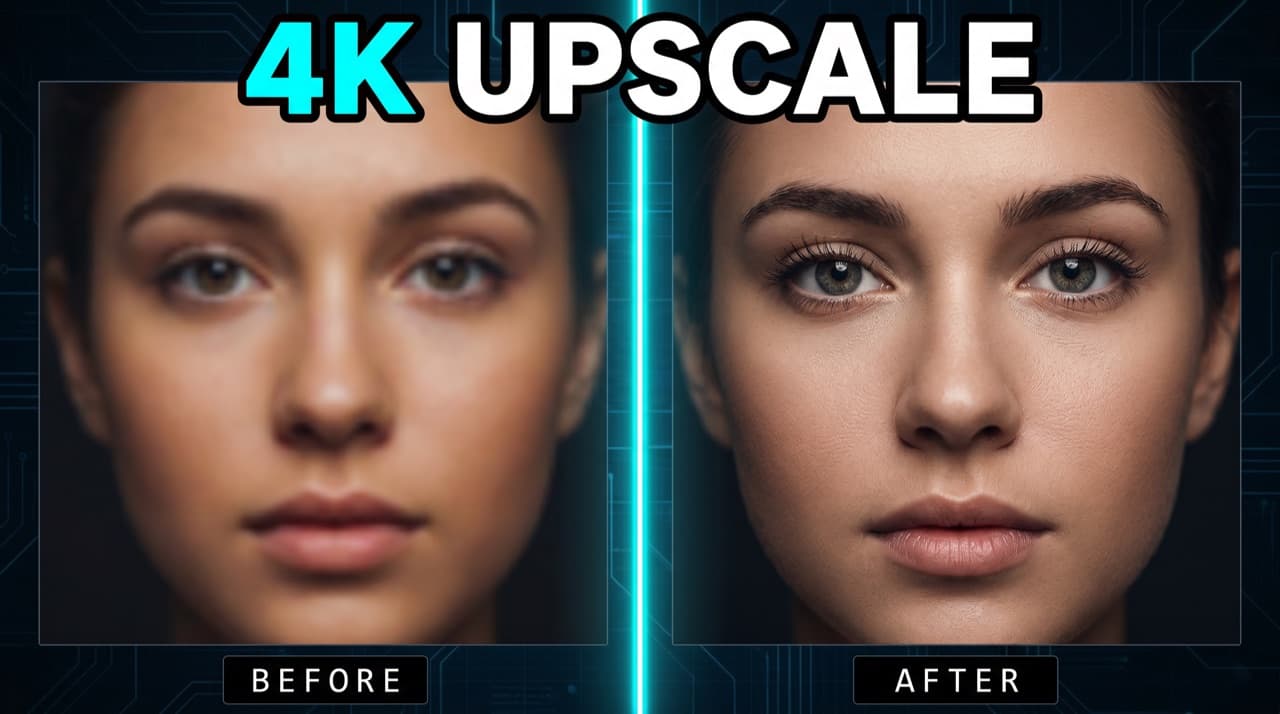
Sharpen any image to crisp 4K for a pro finish on big screens.
The first render is a starting point. Change one thing at a time, keep your brand consistent, and find every thumbnail again later.
Swap the background, punch up the colors, change the expression, remove an object or rewrite the text. Or restyle the whole thumbnail in one of six looks.
Save your channel name, logo, brand colors and default text style. Every new thumbnail starts on-brand.
16:9 for videos, 9:16 for Shorts covers, 1:1 for community posts — from the same idea.
Every render is saved. Favorite the winners, sort them into folders, and hit Recreate to reuse a look on your next video.
Paid packs render at 2K. Need more? Upscale any thumbnail to 4K with optional face enhancement.
A render that fails puts its credits straight back. Credits never expire, and every pack includes a commercial license.
Five rules that show up again and again on high-performing thumbnails. CTRpilot's prompts and styles are built around them, so your first draft already follows them.
A face, a product or a number — one thing the eye lands on first. Too small and it vanishes in the feed; too big and the hook has nowhere to live.
Viewers skim a thumbnail in a fraction of a second. The thumbnail teases; the title explains. Cut every word that isn't a noun or a number.
Color the promise — “$10K”, “30 DAYS”, “BANNED” — and keep the rest white or neutral. Three competing colors means no focal point.
“I made money” is forgettable. “$10,247 in 30 days” is a curiosity gap the viewer has to click to close.
Most views come from small screens. If the face and the hook still read at the size of your thumb, the thumbnail works.
A gaming thumbnail doesn't look like a finance thumbnail. CTRpilot adapts layout, color and type to your niche — and there are dedicated guides for 29 of them.
Design tools give you a blank canvas. General image models give you a picture. CTRpilot gives you a finished YouTube thumbnail — with your face in it.
Detailed comparisons: vs Canva · vs TubeBuddy · vs Thumbnail AI · vs PicMonkey · vs Adobe Express
Your first thumbnail is free. After that, buy a one-time pack — no subscription, no monthly fee, and credits never expire. 5 credits = 1 thumbnail.
A low-cost first pack to see what it can do.
For sporadic uploads and trying every tool.
Built for weekly uploaders.
For channels and small teams who ship daily.
Still unsure? Ask us anything — we reply within one business day.
CTRpilot is an AI thumbnail maker built only for YouTube. You start from a video idea, a YouTube link or a photo, and it returns up to 4 thumbnail options with the layout, hook text, colors and subject already designed. Six tools cover the whole job: AI Thumbnail, From YouTube, From Photo, Remix, Hook Titles and 4K Upscale.
You can start free. Every new account gets 1 free thumbnail with no credit card. Free downloads carry a small watermark; any paid pack removes it and unlocks 2K output, up to 4 options per run, refine and 4K upscale.
Add a face once from 1–3 clear photos — a selfie is enough. On any run, pick “My face” and CTRpilot keeps that person's look in the thumbnail, with the expression (happy, surprised, shocked, excited, curious) and position you choose. You can also pick “AI person” for a generated presenter, or “No face”. Free accounts save 1 face, Starter 3, Creator 5 and Studio unlimited.
Yes. Paste any YouTube video link and CTRpilot reads the video's title and details, then designs a fresh thumbnail for it. It's the fastest way to redo the thumbnail on an older video that isn't getting clicks.
There is no subscription. You buy a one-time credit pack: Try $9 (8 thumbnails), Starter $19 (20 thumbnails), Creator $39 (60 thumbnails), Studio $79 (160 thumbnails). A thumbnail costs 5 credits, a 4K upscale 3, and a set of hook titles 1. Credits never expire, and every paid pack includes a commercial license.
Yes. Open any result to change the background, punch up the colors, change the expression, remove an object, rewrite the text, put your own face in it, or restyle it as Editorial, Realism, Cinematic, Vintage, Digital illustration or Minimal. Each edit costs 5 credits, the same as a new thumbnail.
16:9 at 1280×720 for regular YouTube videos, 9:16 for YouTube Shorts covers, and 1:1 for community posts and other platforms. Paid accounts render at 2K and can upscale any thumbnail to 4K.
Sometimes — it depends on the prompt and the style you pick. The generator is tuned for thumbnail aesthetics rather than photorealism, and short hook text renders far more reliably than long text. Use Face Lock or From Photo to put your own face in the frame, and the editor to fix anything the model gets wrong.
Yes. The brand kit saves your channel name, logo, brand colors, default text style and faces, so every new thumbnail starts on-brand. Remix also lets you point at a thumbnail you already like and change only what you need.
Yes. Every paid pack includes a full commercial license and you own what you make. CTRpilot does not train on your renders.
Yes. Write your idea or hook in any language and the generator works from it. Latin scripts render most reliably; for other scripts keep the hook short and check the result before you publish.
The credits come straight back to your balance automatically. For billing problems — a duplicate charge or a pack that didn't work as advertised — contact support and we'll fix it or refund it under our refund policy.
Make your first one free — no card, no subscription, about a minute from now.
Last updated: