Growth · 3 min read
Stop Spending Hours Designing YouTube Thumbnails: Let AI Do the Heavy Lifting
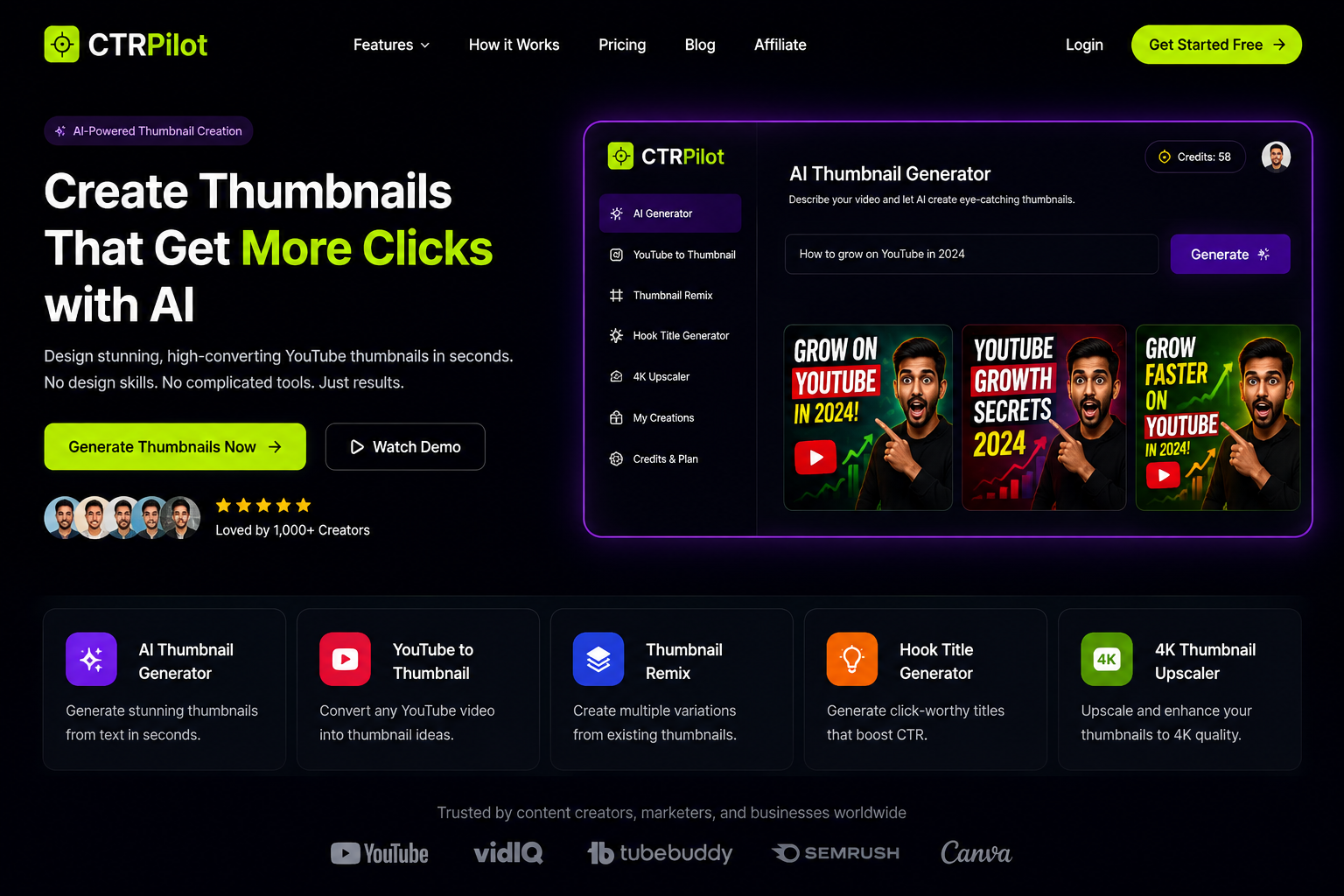
Every YouTube creator knows the feeling.
CTRPilot’s homepage showcasing AI-powered YouTube thumbnail creation.
You spend hours planning, recording, editing, and exporting a video — only to realize you still need to design a thumbnail.
For many creators, that last step becomes the most frustrating part of the publishing process.
Designing a thumbnail isn’t just about making something look attractive. It’s about creating an image that instantly grabs attention and convinces viewers to click.
The good news?
AI is making that process dramatically faster.
Why Thumbnails Matter More Than Ever
Think about how people browse YouTube.
They don’t watch videos first — they scan thumbnails.
In just a few seconds, viewers decide whether your content is worth clicking.
A great thumbnail can improve your click-through rate (CTR), while a poor one can leave even the best video unnoticed.
That’s why successful creators spend so much time testing colors, layouts, facial expressions, and text.
The Problem With Traditional Design
Creating thumbnails manually usually means:
Opening Photoshop or Canva
Searching for images
Removing backgrounds
Adding text
Adjusting colors
Testing multiple layouts
Doing this for every video quickly becomes time-consuming.
For creators publishing multiple videos every week, that’s hours spent on design instead of content.
A Faster Way With AI
Instead of starting from an empty canvas, AI lets you start with an idea.
Simply describe your video, and AI generates several thumbnail concepts within seconds.
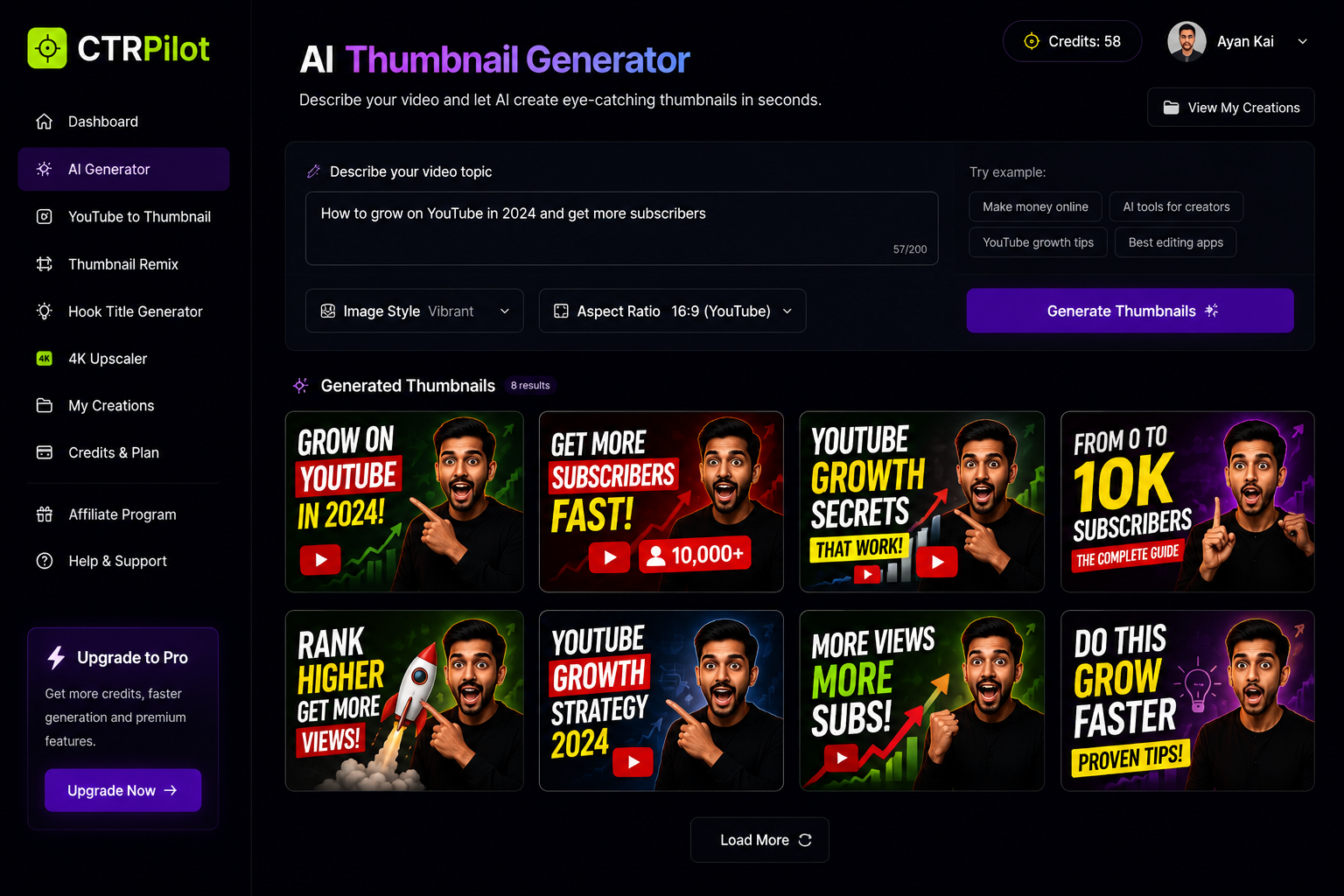
Generate multiple YouTube thumbnail concepts from a simple text prompt.
Rather than replacing creativity, AI removes repetitive work and gives creators more time to focus on storytelling.
Discovering CTRPilot
One tool that caught my attention is CTRPilot, an AI platform built specifically for YouTube thumbnail creation.
Unlike general AI image generators, CTRPilot focuses entirely on helping creators design thumbnails that stand out.
You can explore it here:
Features That Make the Workflow Easier
AI Thumbnail Generator
Describe your video idea and let AI create multiple thumbnail concepts in seconds.
Instead of designing from scratch, you begin with several creative options.
YouTube to Thumbnail
Already have a published video?
Paste the YouTube URL and generate fresh thumbnail ideas based on your existing content.
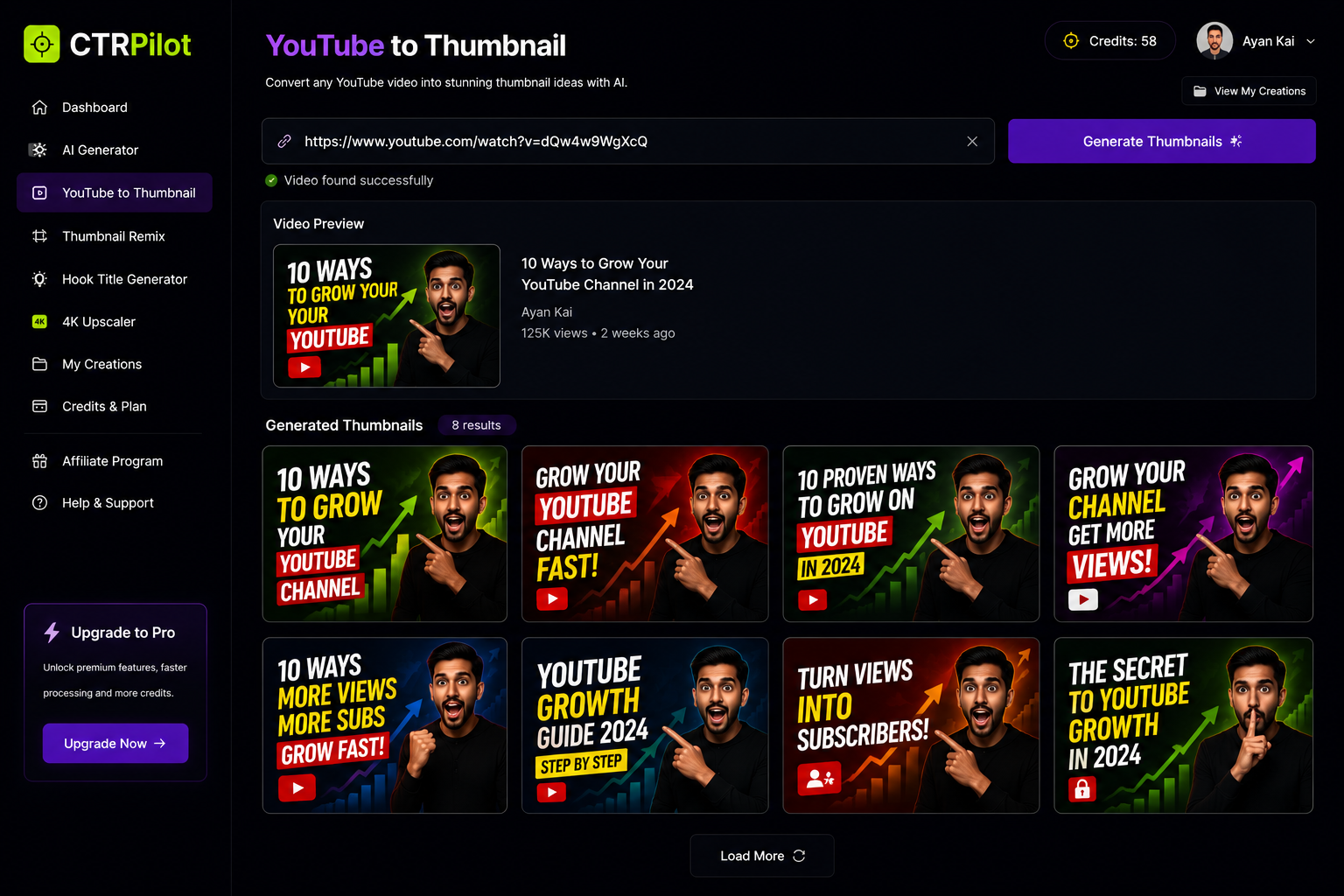
Transform any YouTube video into fresh AI-generated thumbnail ideas.
This is especially useful for improving older videos.
Thumbnail Remix
Found a thumbnail you like?
Generate several variations while keeping the original concept, making it easier to test different styles.
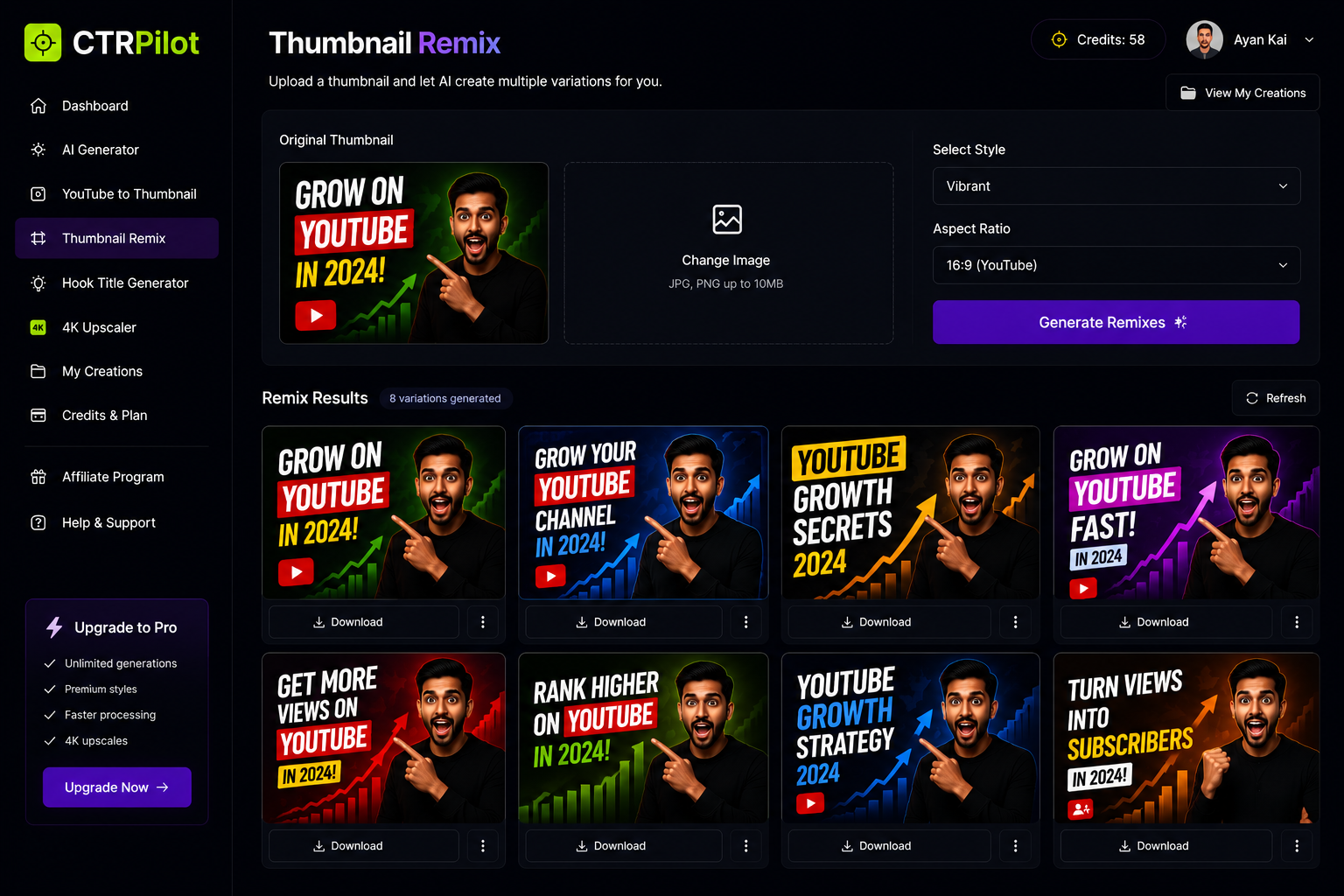
Create multiple thumbnail variations without starting from scratch.
Hook Title Generator
Great thumbnails deserve great titles.
CTRPilot also helps generate engaging hook titles that pair well with your thumbnails.
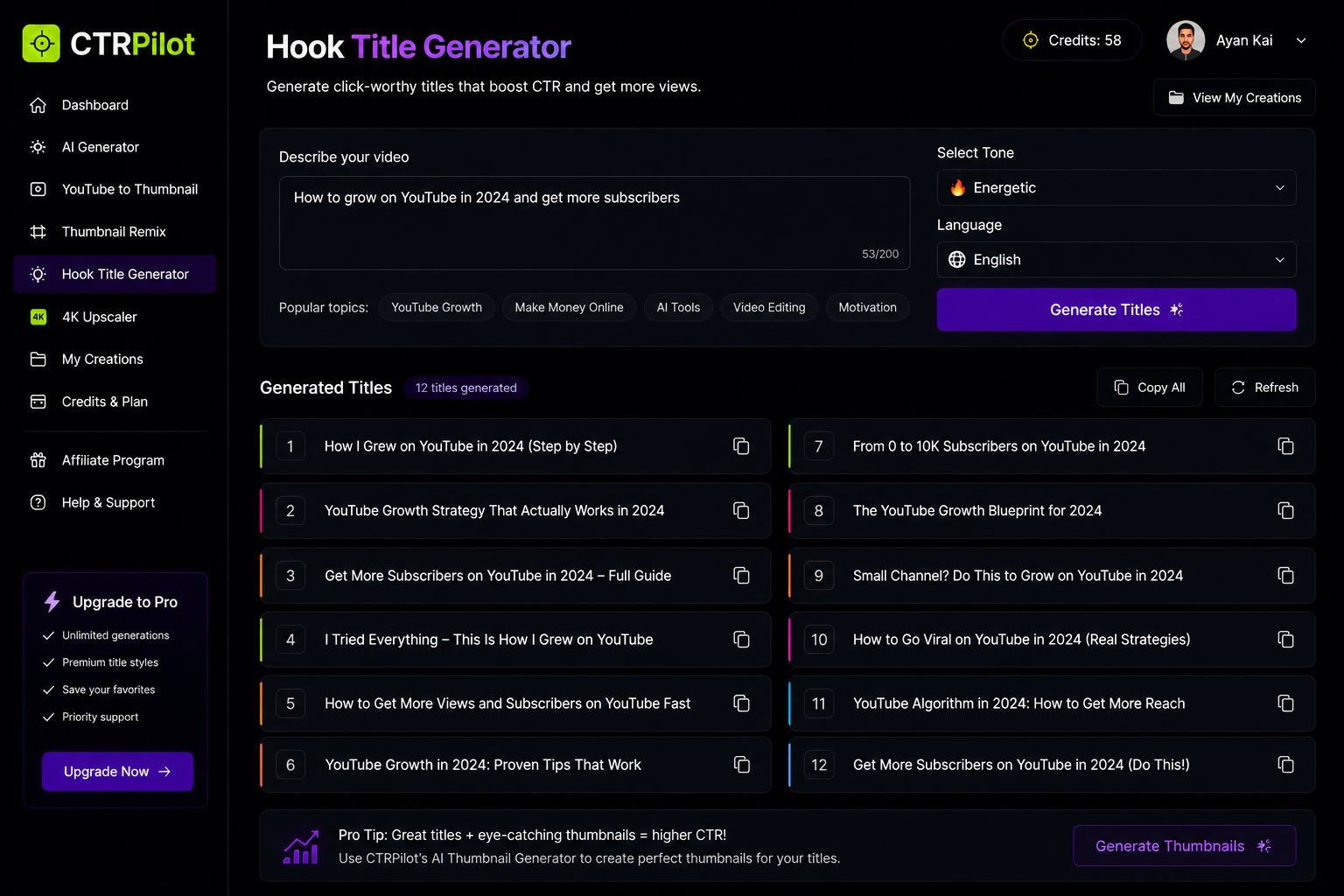
Generate click-worthy YouTube titles that complement your thumbnails.
4K Thumbnail Upscaler
Need higher quality?
The AI upscaler enhances image resolution while preserving details, making thumbnails look sharper across all devices.
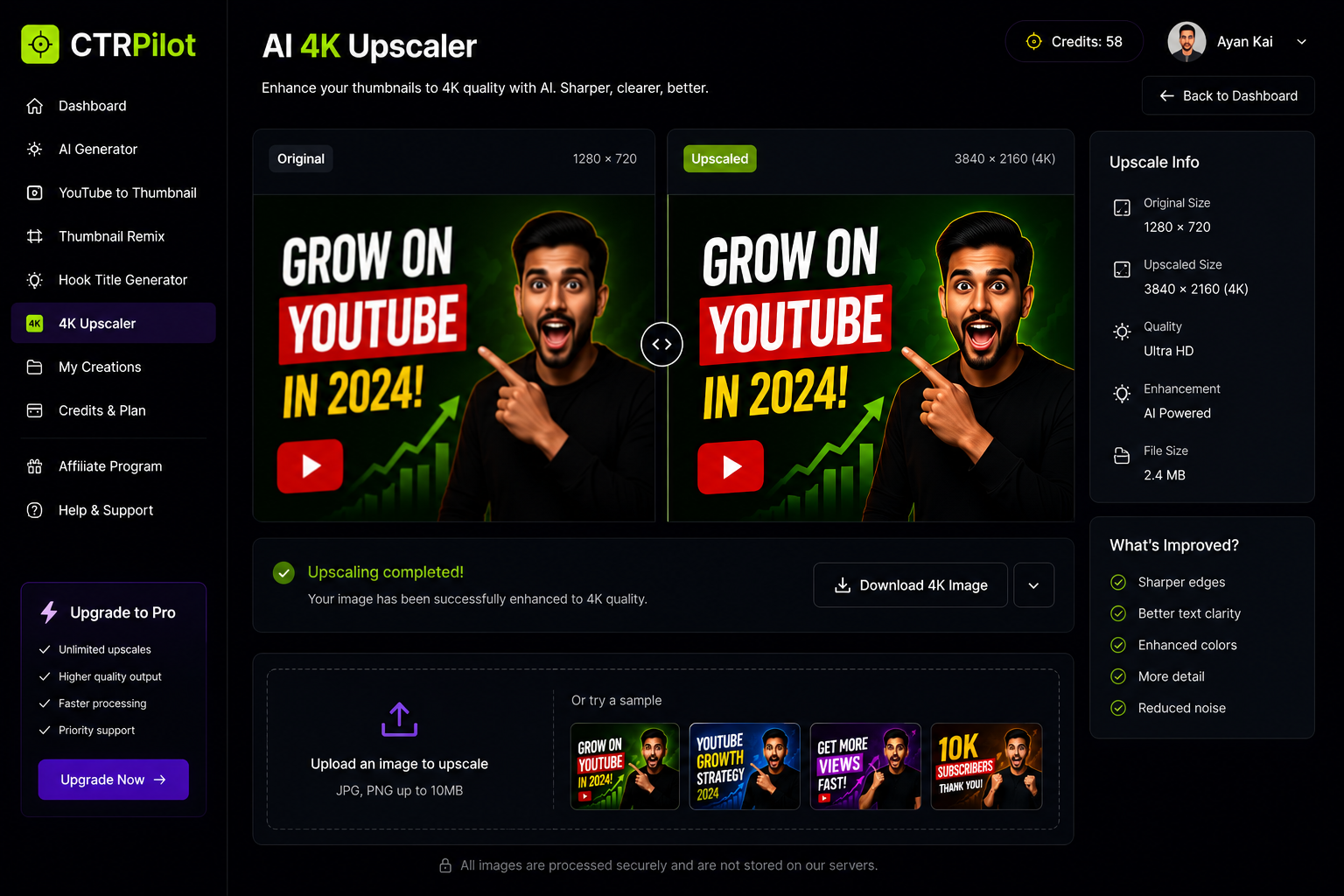
Enhance thumbnail quality with AI-powered 4K upscaling.
My Workflow
Here’s how I would use it:
Finish editing the video.
Write a short description of the content.
Generate multiple thumbnail ideas.
Compare different variations.
Select the strongest one.
Upscale it if needed.
Publish the video.
The entire process takes only a few minutes.
Why This Matters
AI doesn’t make your videos better.
You still need valuable content.
But AI helps present that content in the best possible way.
Better thumbnails lead to more clicks.
More clicks create more opportunities for viewers to discover your work.
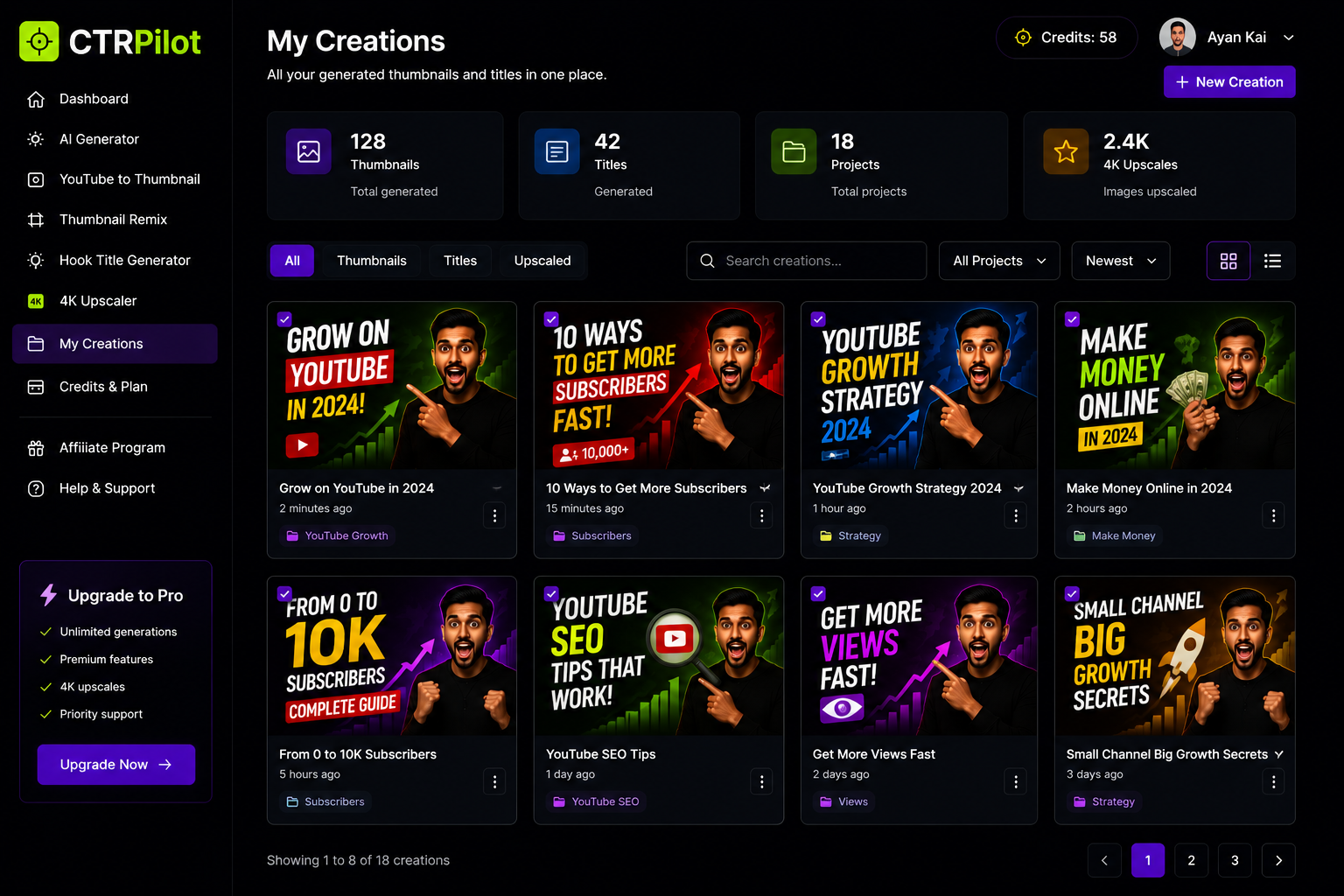
Manage all your AI-generated thumbnail projects from one organized workspace.
Final Thoughts
Creating YouTube thumbnails no longer needs to be the slowest part of publishing.
AI tools like CTRPilot help creators generate ideas faster, test different concepts, and create professional-looking thumbnails without advanced design skills.
If you publish videos regularly, it’s definitely worth exploring.
Get AI thumbnails that beat your niche CTR benchmarks
Sign up with your email — 5 free credits, no card required. Generate 4 high-CTR thumbnail variants in seconds.
No spam. Unsubscribe any time.
Related articles
Put this into practice with AI-generated thumbnails.
CTRpilot generates 4 high-CTR thumbnail variants in 8 seconds. Start with 5 free credits.