How-To · 3 min read
How AI Is Helping YouTube Creators Design Better Thumbnails in Minutes
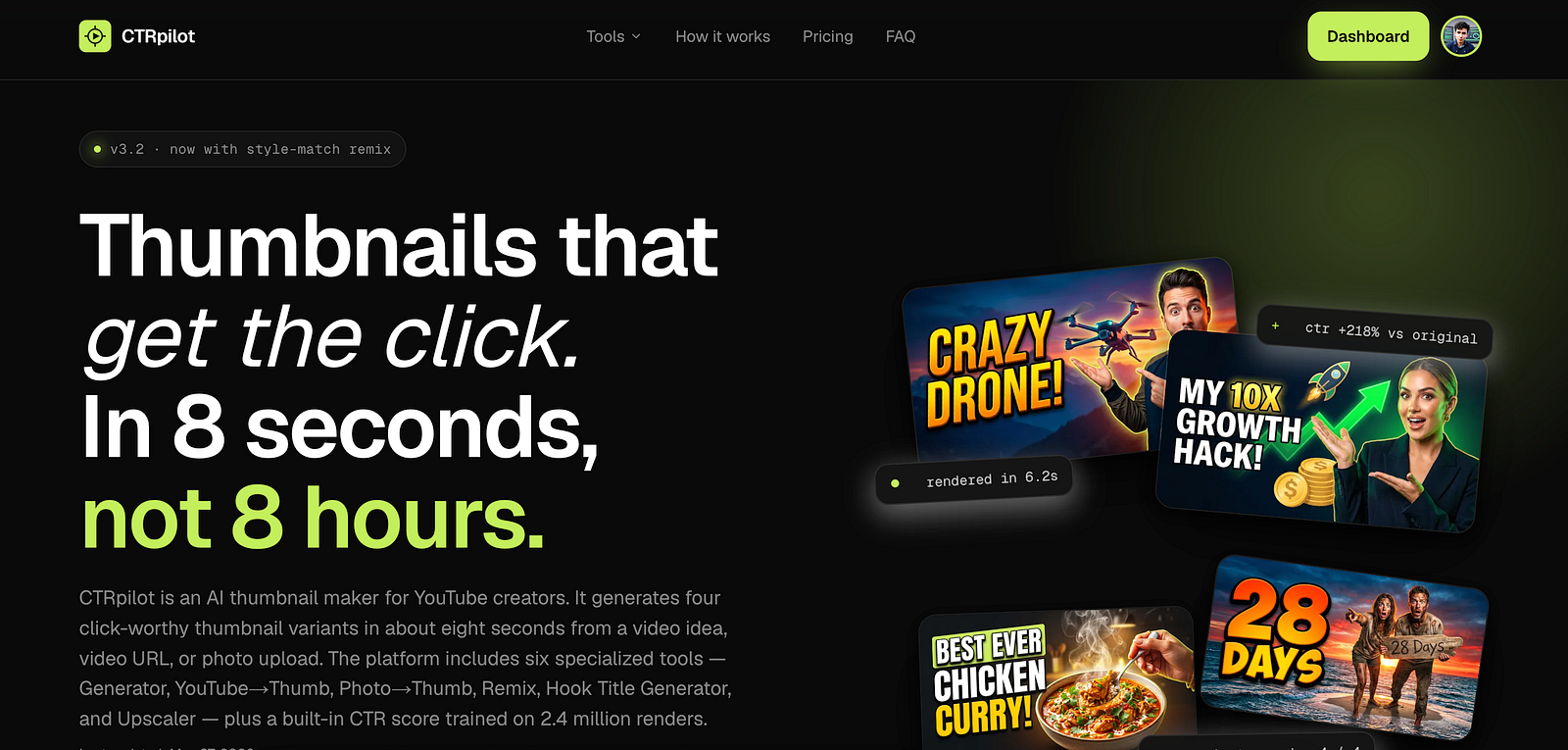
CTRPilot helps YouTube creators generate professional thumbnails using AI.
Every YouTube creator has experienced it.
You spend hours planning, recording, editing, and publishing a video. You know the content is valuable, but after a few days, the views are far lower than expected.
In many cases, the problem isn’t the video itself.
It’s the thumbnail.
A thumbnail is often the first impression your content makes. If it fails to grab attention, viewers may never discover the work you’ve put into your video.
Fortunately, AI is changing how creators approach thumbnail design.
Why Thumbnails Matter So Much
Before someone watches your video, they make a quick decision:
“Is this worth clicking?”
That decision usually happens in just a few seconds.
A strong thumbnail can:
Increase click-through rate (CTR)
Improve visibility in search results
Make your videos stand out
Encourage more viewers to watch
While thumbnails don’t guarantee success, they give your content the best possible chance to earn that first click.
The Biggest Challenge for Creators
Designing thumbnails isn’t easy.
Most creators repeat the same workflow every time they upload a new video:
Search for inspiration
Find the right images
Remove backgrounds
Add text
Choose colors
Adjust composition
Export different versions
Even experienced designers spend a significant amount of time on these tasks.
For creators publishing consistently, this becomes a major bottleneck.
AI Is Making the Process Faster
Instead of starting from scratch, AI allows creators to describe what they want.
Within seconds, it can generate multiple thumbnail concepts.
Rather than replacing creativity, AI removes repetitive work and lets creators spend more time making better videos.
This is where specialized tools become valuable.
Introducing CTRPilot
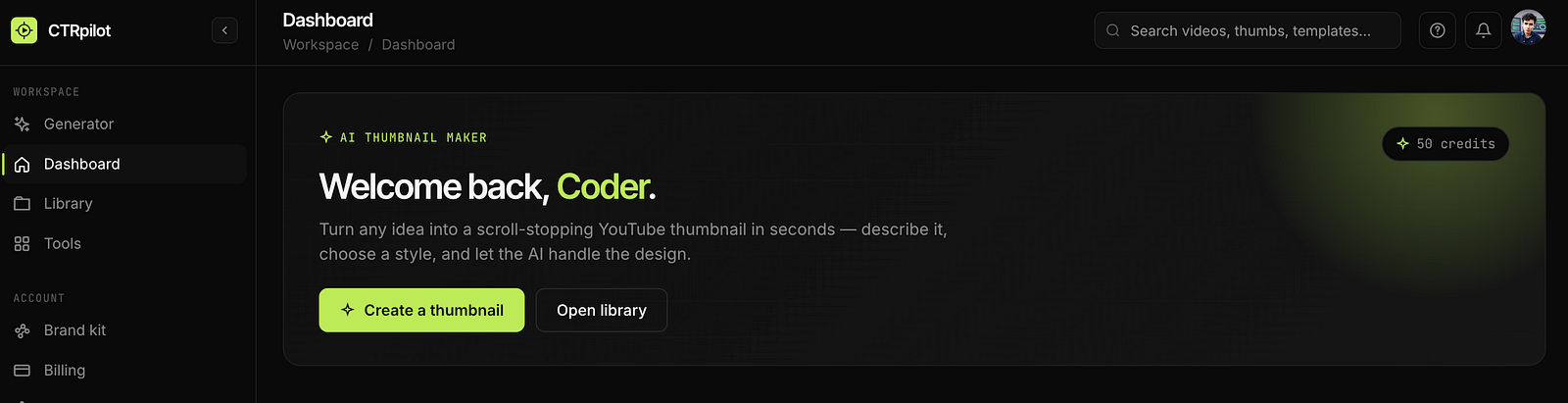
The CTRPilot dashboard where creators can generate thumbnails from a simple prompt.
CTRPilot is an AI-powered YouTube Thumbnail Generator designed specifically for creators.
Unlike general AI image tools, CTRPilot focuses entirely on helping users create professional YouTube thumbnails quickly.
Whether you’re launching a new video or improving an older one, the platform offers several AI-powered tools that simplify the entire workflow.
Learn more here:
Features That Stand Out
AI Thumbnail Generator
Describe your video idea, and the AI creates multiple thumbnail concepts within seconds.
Instead of staring at a blank canvas, you start with several creative options.
Photo to Thumbnail
Already have an image?
Upload it, and CTRPilot converts it into a polished YouTube thumbnail.
YouTube URL to Thumbnail
Paste an existing YouTube link, and the AI generates fresh thumbnail ideas based on your video’s content.
This is especially useful for older videos with low CTR.
Thumbnail Remix
Like your current thumbnail but want something different?
Remix creates multiple variations while preserving the original concept.
Hook Title Generator
A strong thumbnail works best with a compelling title.
CTRPilot can also help generate engaging titles that complement your thumbnail.
4K Thumbnail Upscaler
Need a sharper image?
The built-in AI upscaler enhances image quality without sacrificing detail.
My Recommended Workflow
A simple workflow looks like this:
Finish editing your video.
Write a short description.
Generate several thumbnail ideas.
Compare the results.
Select your favorite.
Make small adjustments.
Publish your video.
This entire process can take just a few minutes instead of nearly an hour.
Who Can Benefit?
AI thumbnail tools aren’t just for YouTubers.
They’re also useful for:
Content creators
Marketing teams
Agencies
Freelancers
Coaches
Online educators
Podcasters
Small businesses
Anyone who publishes video content regularly can save valuable time.
Will AI Replace Designers?
Probably not.
Professional designers bring creativity, branding expertise, and artistic direction that AI cannot fully replace.
However, AI is an excellent productivity tool.
It helps creators generate ideas faster, test different concepts, and reduce repetitive work.
The final creative decisions still belong to the creator.
Final Thoughts
Creating an effective YouTube thumbnail no longer requires advanced design skills or expensive software.
With tools like CTRPilot, creators can generate professional-looking thumbnail concepts in minutes, freeing up more time for scripting, recording, and producing high-quality content.
As AI continues to improve creative workflows, specialized tools will become an increasingly important part of every creator’s toolkit.
If you’re looking for a faster way to create engaging YouTube thumbnails, CTRPilot is worth exploring.
Get AI thumbnails that beat your niche CTR benchmarks
Sign up with your email — 5 free credits, no card required. Generate 4 high-CTR thumbnail variants in seconds.
No spam. Unsubscribe any time.
Related articles
Put this into practice with AI-generated thumbnails.
CTRpilot generates 4 high-CTR thumbnail variants in 8 seconds. Start with 5 free credits.